From Paper Attendance Lists to a Complete Kindergarten Management System
Every morning at 8:00, the entrance of a small private kindergarten became crowded.
Children arrived with parents, teachers answered questions, attendance was recorded on paper, and the manager tried to remember who had already paid the monthly fee.
The system worked while the kindergarten had 15 children. After it grew to more than 40, small problems started appearing everywhere.
A parent would ask whether their payment had been registered. A teacher would forget to mark an absent child. Contact information would be stored across notebooks, spreadsheets, messages and personal phones.
The kindergarten did not need another spreadsheet. It needed a proper management system.
Starting With the Real Problem
The owner, Elena, contacted a developer with a simple request:
We need a system for managing children, parents, monthly payments and daily attendance.
This sounded like a small CRUD application. But several important questions appeared immediately.
Could one child have two parents?
Could a parent have more than one child?
Would every family pay the same monthly fee?
What happened when a child joined in the middle of the month?
Should teachers mark every present child each morning?
Who could view payment information?
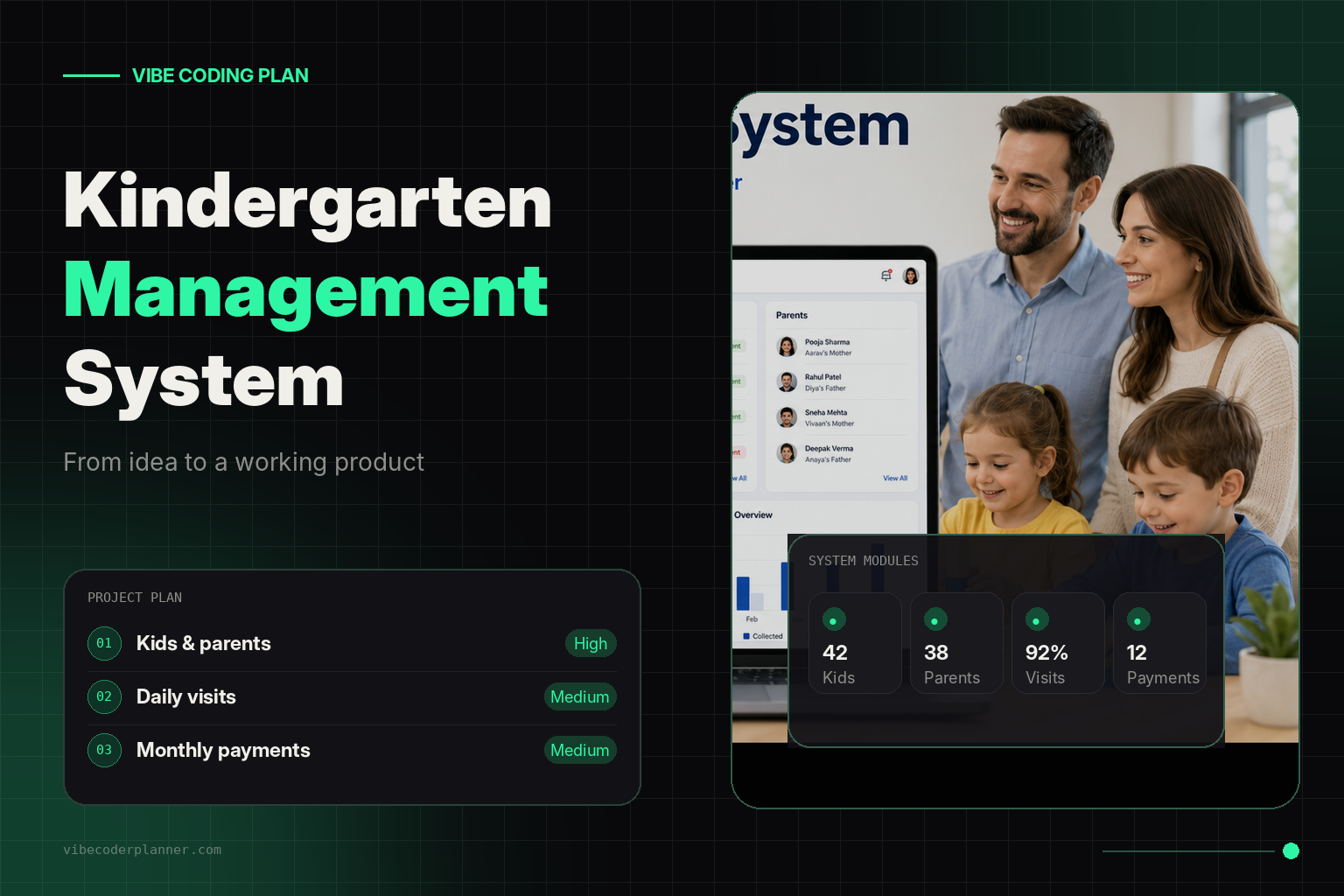
Instead of opening an AI coding assistant and asking it to “build a kindergarten system,” the developer first entered the idea into Vibe Coder Planner.
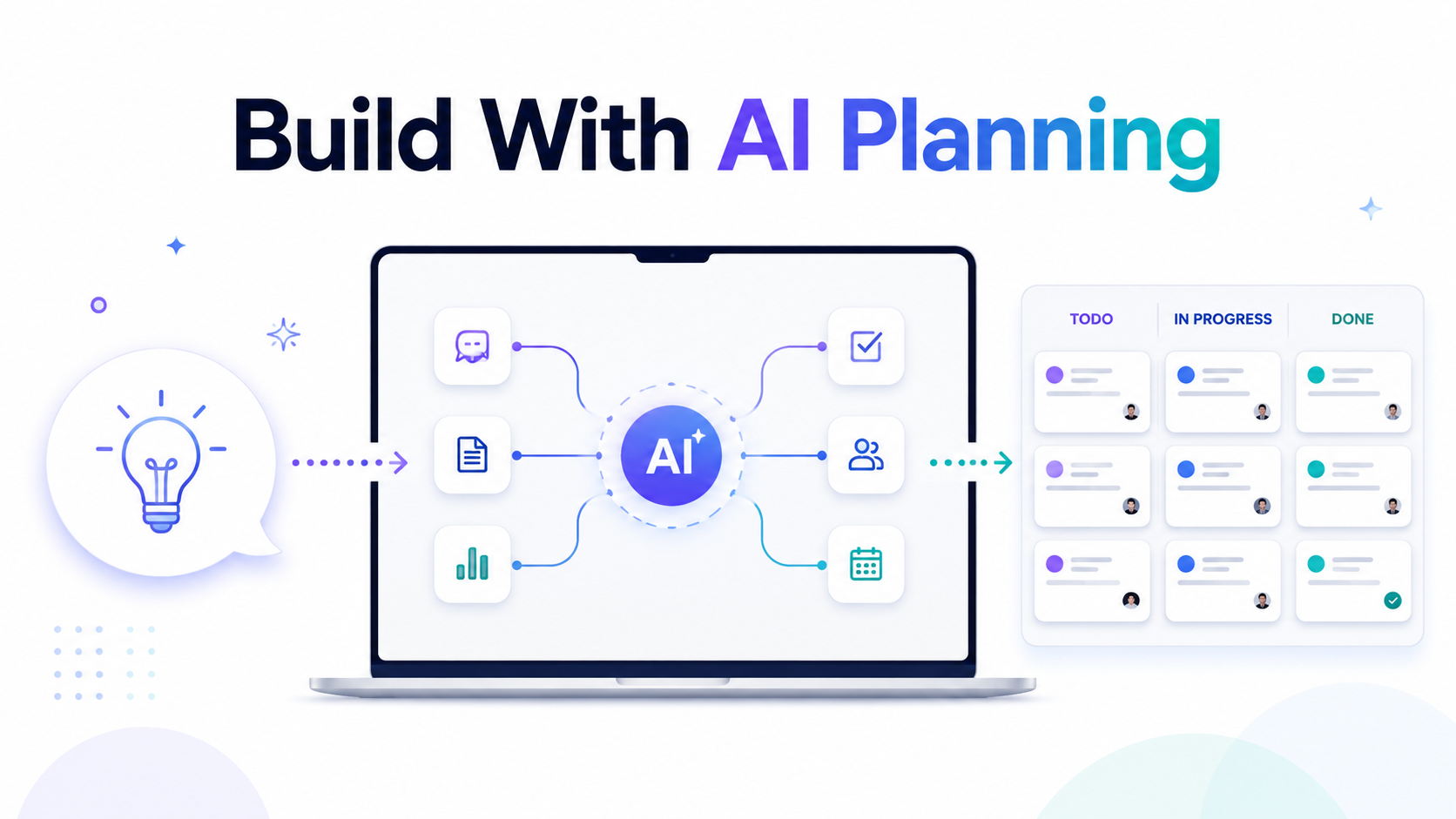
Vibe Coder Planner converts a rough project description into structured development tasks. It classifies task complexity, creates focused prompts and recommends an appropriate AI model for each task. The platform also provides Kanban management, project context, GitHub integration and PRD export.
The original project description was:
Build a web-based kindergarten management system. The system must manage children, parents, attendance and monthly payments. Each child can have multiple parents or guardians. Monthly fees can be different for each family. Children should be considered present by default, and teachers should only mark children who are absent.
That final requirement changed the entire attendance workflow.
Designing Attendance Around the Real Routine
Most attendance systems begin with an empty list.
A teacher must click every child who arrives.
That approach creates unnecessary work. In this kindergarten, approximately 90 percent of the children attended on a normal day. Marking 36 present children was less efficient than marking four absent children.
The new workflow was therefore reversed.
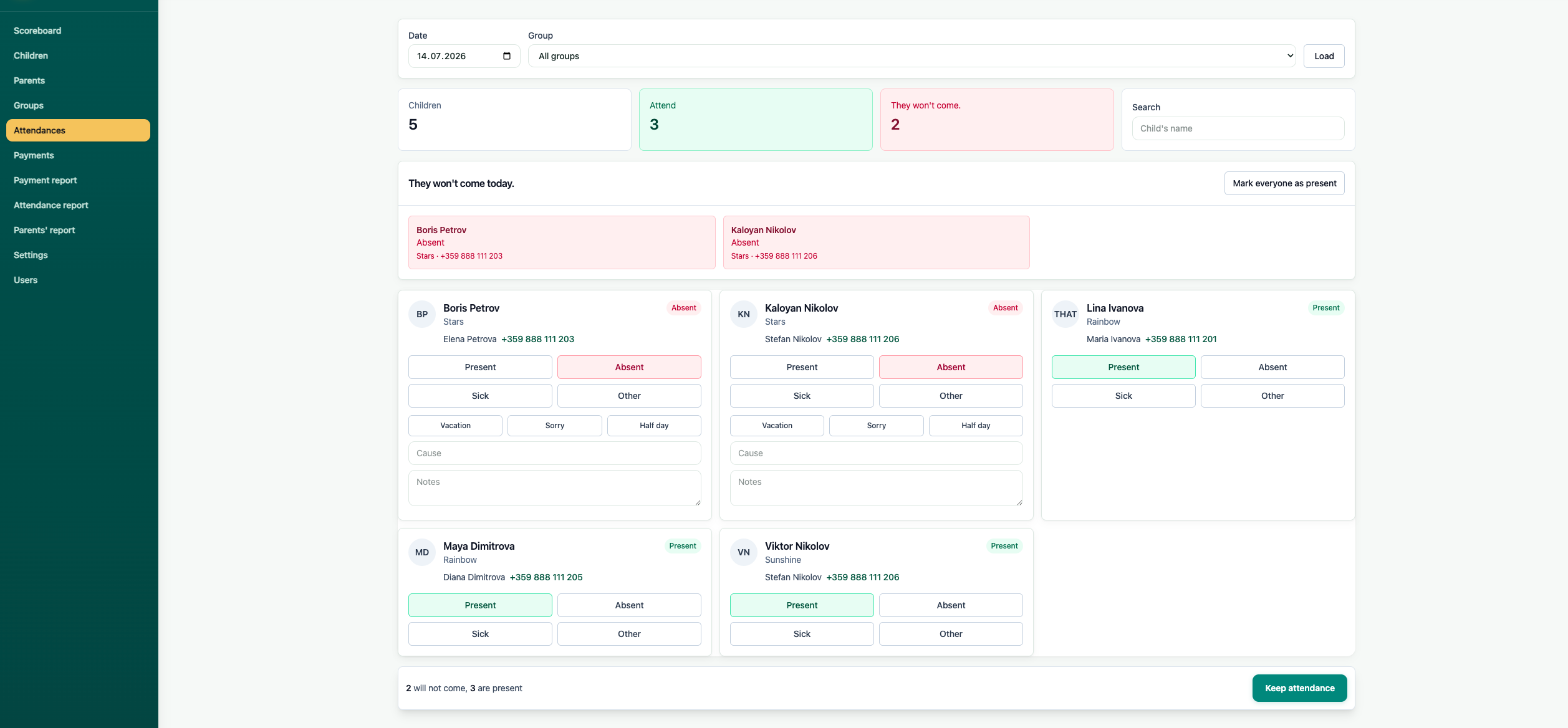
At the beginning of each day, all active children were automatically marked as present. A teacher opened the attendance screen and unchecked only the children who were absent.
The interface displayed:
- The current date
- Every active child
- A default “Present” status
- An option to mark the child as absent
- An optional absence reason
- The teacher who updated the record
- The time of the last change
This small product decision saved teachers time every morning and reduced missed attendance records.
Turning the Idea Into Development Tasks
Vibe Coder Planner separated the project into smaller tasks rather than creating one enormous prompt.
The first milestone covered project architecture:
- Define user roles and permissions.
- Design the database structure.
- Create authentication.
- Build the parent and child relationships.
- Implement daily attendance generation.
- Add monthly fee management.
- Create reports and dashboard statistics.
This structure was important because AI coding often becomes unreliable when the entire application is requested in a single conversation. Vibe Coder Planner scopes work into individual tasks and keeps project knowledge available through its context memory.
Building the Database
The system needed several connected records.
Children
Each child profile contained:
- Full name
- Date of birth
- Group
- Enrollment date
- Status
- Medical or dietary notes
- Emergency information
- Authorized pickup contacts
Parents and Guardians
Parent information was stored separately because the same parent could be connected to multiple children.
Each profile included:
- Full name
- Phone number
- Email address
- Address
- Relationship to the child
- Emergency contact status
- Permission to receive payment notifications
A connection table linked parents and children. This supported families with siblings, separated parents, grandparents and other guardians without duplicating contact information.
Monthly Fees
The kindergarten did not use one fixed price for every family.
Some children attended full-time. Others attended fewer days. Siblings received discounts, and several families had individually negotiated prices.
For that reason, the monthly fee belonged to the child enrollment instead of being stored as one global system value.
Each payment record contained:
- Child
- Billing month
- Expected amount
- Amount paid
- Payment date
- Payment method
- Payment status
- Internal notes
When a new month began, the system generated payment records using each child’s configured monthly fee.
The manager could then see unpaid, partially paid and completed payments without searching through bank statements or message history.
Creating User Roles
Not every staff member needed access to everything.
The system introduced three main roles.
Administrators could manage children, parents, groups, pricing, payments and reports.
Teachers could view children in their groups, update attendance and access essential parent contact information.
Accounting users could manage payments but could not edit attendance or sensitive child information.
The permission rules became a separate high-complexity task because security and access control affect the entire application. Vibe Coder Planner is designed to recommend stronger models for architecture, security and complex logic while routing simpler CRUD and boilerplate work to lower-cost models.
The Daily Attendance Process
Every night, the system created attendance records for the next working day.
Each active child received the status:
Present
When a teacher opened the dashboard in the morning, the list was already prepared.
When a parent reported that a child was sick, the teacher changed the status to:
Absent
The teacher could also select a reason:
Sick
Family reasons
Vacation
Unknown
Other
If the child arrived later, the status could be changed back to present.
This approach also made monthly reporting easier because every active child had a record for every working day.
The Manager’s Dashboard
Before the system was introduced, the manager needed several notebooks and spreadsheets to understand what was happening.
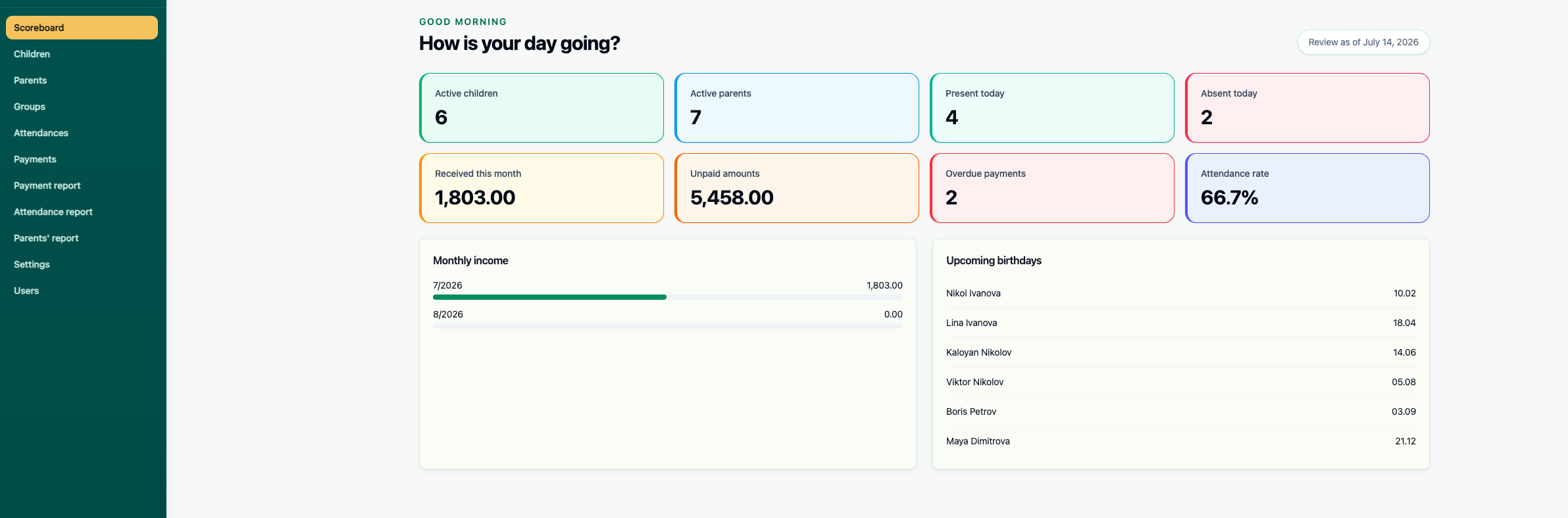
The new dashboard showed everything in one place:
- Number of active children
- Children present today
- Children absent today
- Expected monthly revenue
- Collected payments
- Outstanding payments
- Children without complete parent information
- Upcoming birthdays
The manager could open a child’s profile and see their parents, attendance history, monthly fee and payment records.
When a parent called with a question, the answer was available immediately.
Using AI Without Losing Project Control
The developer used different AI models during implementation.
Complex tasks such as database architecture, permissions and recurring attendance generation required stronger reasoning.
Standard forms, validation, controllers and database migrations were more repetitive and could be generated with less expensive models.
Tests and documentation could also be handled separately.
Vibe Coder Planner supports this workflow by assigning complexity levels, recommending models, generating task-specific prompts and estimating the cost before execution. It also provides a Kanban workflow from backlog to completion.
Instead of repeatedly explaining the entire project to an AI assistant, the developer worked through focused tasks such as:
Create the database migrations and Laravel models for children, parents and guardians. A child can have multiple guardians, and a guardian can be connected to multiple children. Include relationship type, emergency contact status and pickup authorization in the pivot table.
Another task focused only on attendance:
Create a daily attendance service that generates a present record for every active child on working days. Prevent duplicate records. Allow teachers to change the status to absent and store the reason, user and update timestamp.
Each prompt included only the context required for that feature.
Managing Development Through Kanban
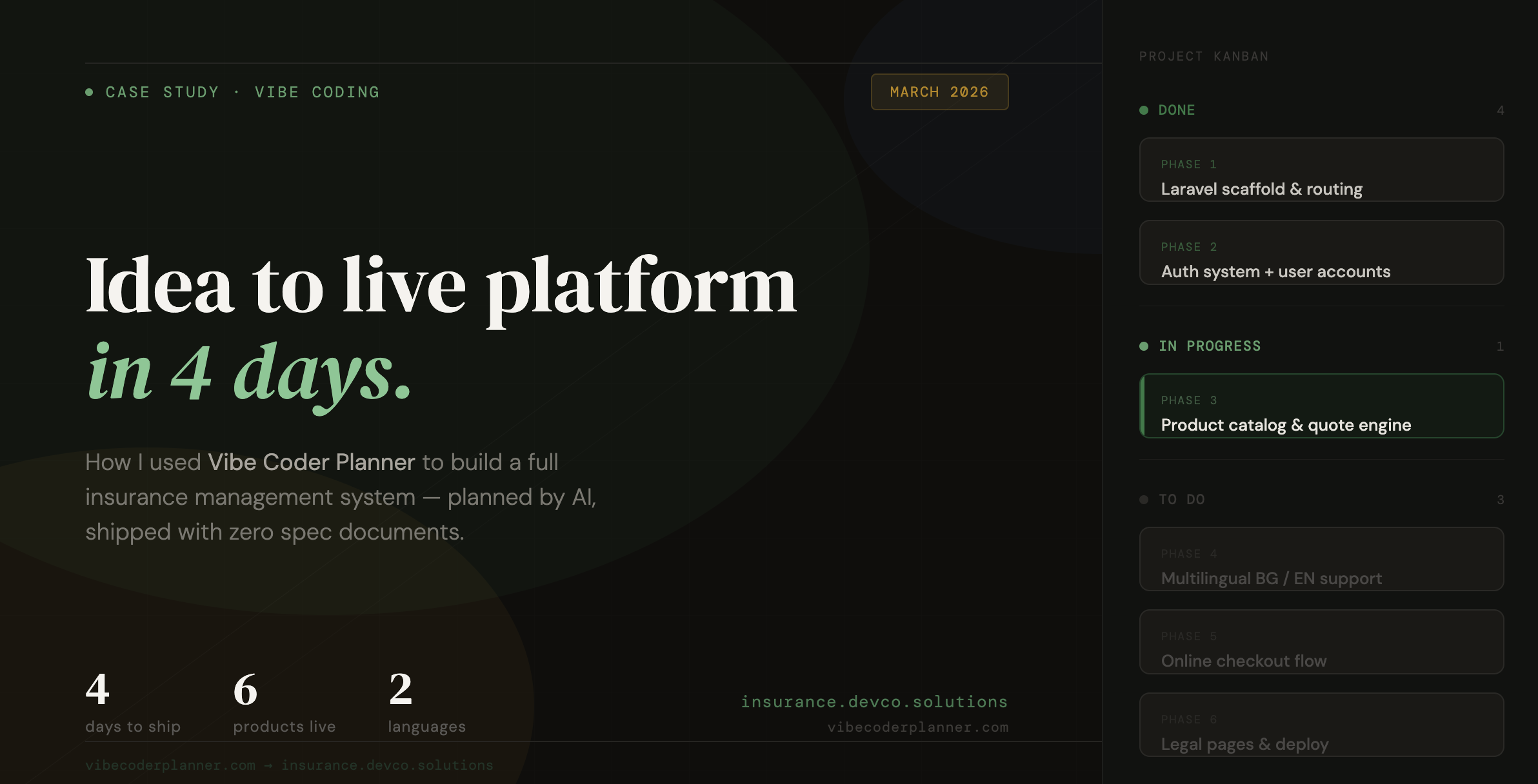
The project tasks were organized into four columns:
Backlog
Ready
In Progress
Completed
The developer completed authentication and permissions before beginning the administrative screens.
The database structure was finished before payment reports were created.
Attendance generation was implemented before the teacher dashboard.
This order prevented the AI from generating screens based on database structures that had not yet been finalized.
The plan could also be exported as a PRD and connected with GitHub, allowing implementation work to remain connected to the original project requirements.
The Result
After the system launched, the morning routine became much simpler.
Teachers no longer marked every arriving child. They only updated exceptions.
The manager no longer searched multiple files to check payments.
Parent information was stored once and connected to the appropriate children.
Every family could have its own monthly fee.
Attendance and payment reports could be generated without manually combining spreadsheets.
The biggest improvement was not a complicated AI feature.
It was the decision to understand how the kindergarten actually operated before writing the code.
What This Project Demonstrates
A useful application does not begin with database tables or interface components.
It begins with the daily actions of the people who will use it.
In this project, the most important requirement was hidden inside one sentence:
Do not make teachers mark every child as present. Mark everyone as present automatically and let teachers record only absences.
Without structured planning, that detail could easily have been missed.
Vibe Coder Planner helped transform a short idea into architecture, milestones and focused implementation tasks. Instead of asking AI to generate an entire application at once, the project was divided into manageable pieces that could be developed, tested and reviewed independently.
That is the difference between generating code and building a system that works in the real world.