Most people use AI coding tools in the wrong order.
They open ChatGPT, Claude, Cursor, Copilot, or another AI coding assistant and immediately start asking for code. At first, this feels fast. The AI gives answers quickly. You get files, components, routes, controllers, database tables, and UI suggestions.
But after a few hours, the project starts to become messy.
The AI forgets earlier decisions. Features are built in the wrong order. Authentication changes break the dashboard. The database schema needs to be rewritten. Prompts become longer and more confusing. You spend more time fixing the AI output than building the product.
That is the real problem with vibe coding.
The problem is not AI. The problem is starting without a plan.
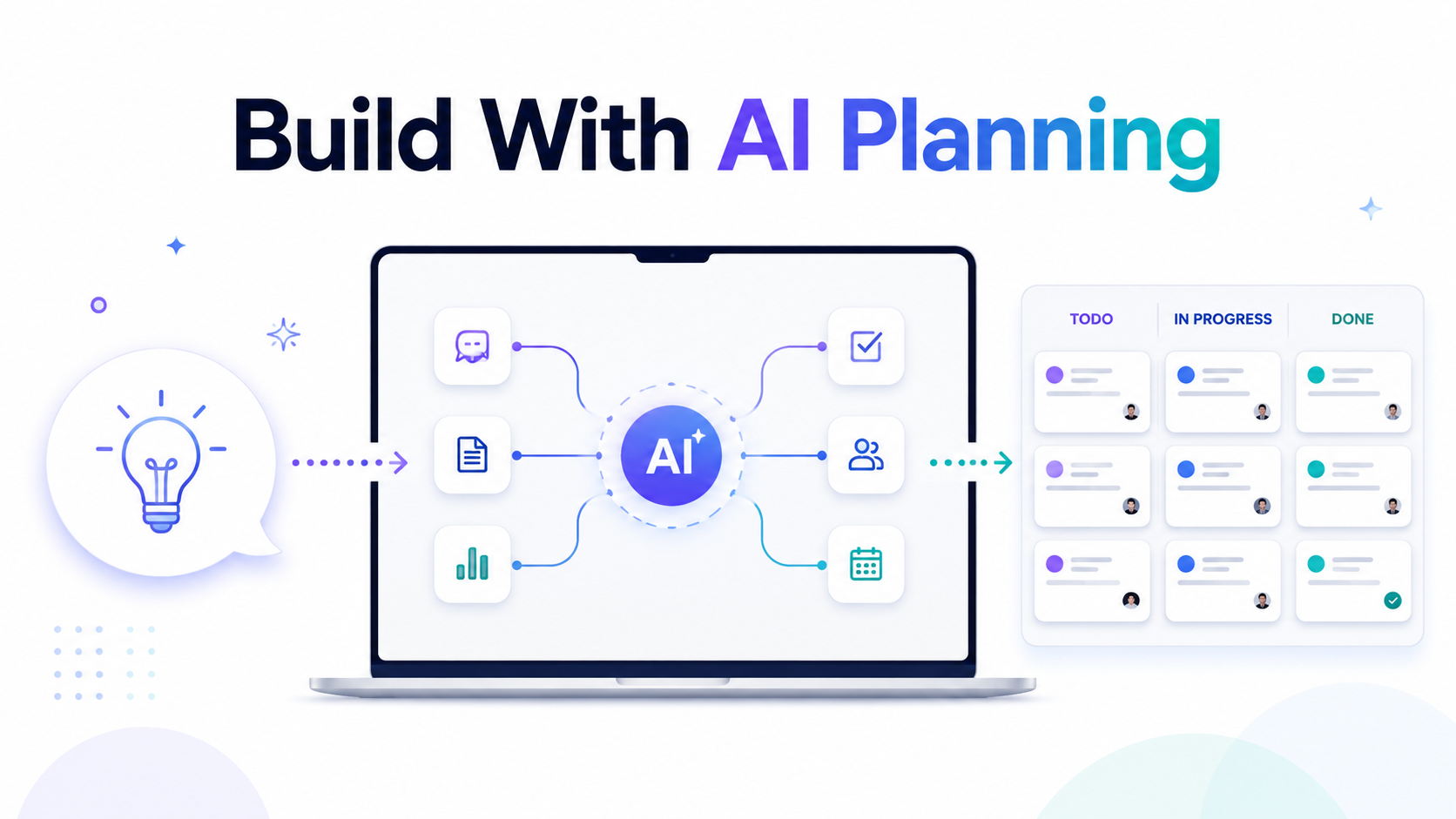
AI planning fixes this by turning your idea into a structured execution roadmap before you start coding. Instead of asking AI to build everything at once, you break the project into clear tasks, classify the complexity, generate better prompts, and use the right AI model for each part of the job.
This is exactly why Vibe Coder Planner exists.
It gives builders, developers, indie hackers, SaaS founders, and agencies a better way to move from idea to working product.
What Is AI Planning?
AI planning is the process of using artificial intelligence to turn a rough product idea into a clear development plan.
Instead of writing a long technical specification manually, you describe what you want to build in plain language. The AI then helps structure that idea into phases, features, tasks, priorities, and implementation steps.
A good AI plan should answer questions like:
What should be built first?
Which features are required for the MVP?
What database tables are needed?
Which tasks are complex?
Which tasks are simple?
Which AI model should handle each task?
What prompt should be used for each task?
What can be built later?
This is important because most failed AI coding sessions fail for one simple reason: the AI is given too much vague context and not enough structure.
AI works much better when every task is small, specific, and connected to a clear goal.
Why You Should Not Start With Code
Starting with code feels productive, but it often creates hidden problems.
For example, imagine you want to build a SaaS app for appointment booking. You ask AI to create the app. It starts generating authentication, dashboard pages, booking forms, payment logic, emails, admin panels, and database migrations.
The output looks impressive.
But then you notice problems.
The booking logic does not match your pricing model. The database does not support multiple team members. Stripe is added too early. Admin permissions are missing. Email notifications are hardcoded. The frontend and backend are not aligned.
Now you have two choices.
You either fix everything manually, or you ask AI to rewrite large parts of the project.
Both options waste time.
A better approach is to plan first.
Before writing code, you should define the product structure, user roles, database logic, core features, integrations, and task order. Then each AI coding step becomes much easier.
AI planning gives the AI less room to guess.
Step 1: Start With a Clear Product Idea
The first step is not writing a perfect technical brief. You only need a clear explanation of what you want to build.
For example:
“I want to build a SaaS app for small fitness studios. They should be able to manage clients, create workout plans, schedule sessions, accept payments, and track progress.”
This is enough to start.
You do not need to know every table, endpoint, or component yet. The job of AI planning is to help you discover those details.
The important thing is to describe the product in real business language.
Who is it for?
What problem does it solve?
What should users be able to do?
What is the first useful version?
This gives the AI a direction before it starts creating tasks.
Step 2: Add Your Tech Stack
After the idea, define the stack.
For example:
Laravel backend
Vue or React frontend
MySQL database
Stripe payments
Tailwind CSS
GitHub repository
This matters because the same product can be planned differently depending on the technology.
A Laravel SaaS app needs migrations, models, controllers, policies, queues, notifications, and maybe Filament or Nova for admin panels.
A Next.js app needs routes, server actions, API handlers, authentication flows, and deployment logic.
A Python AI app needs model handling, processing pipelines, API endpoints, storage, and background workers.
When the planning tool knows your stack, the tasks become more accurate.
Instead of generic advice, you get implementation steps that match how your project will actually be built.
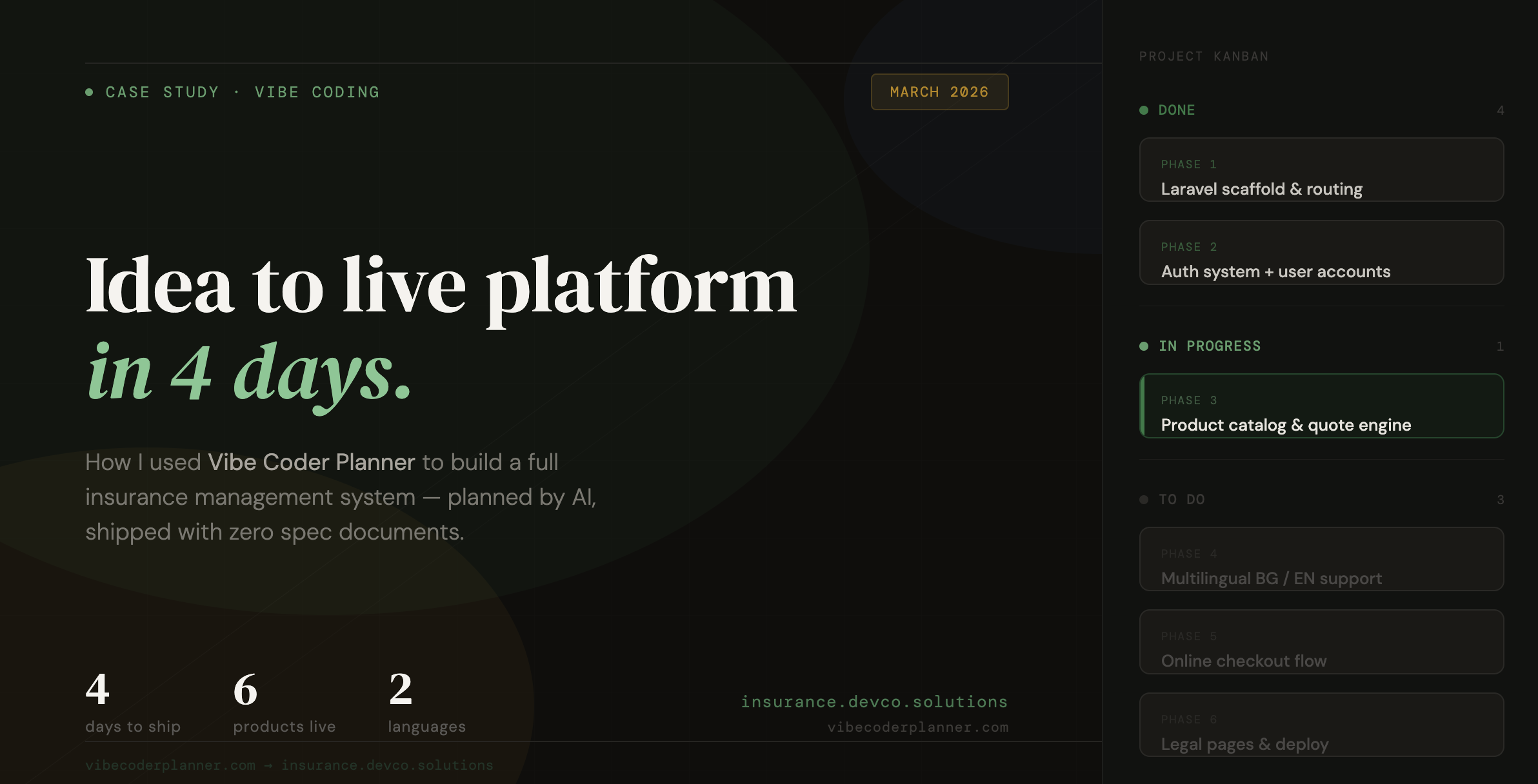
Step 3: Let AI Break the Project Into Phases
A good project plan is not just a list of features.
It should be split into phases.
For example:
Phase 1: Project setup and architecture
Phase 2: Authentication and user roles
Phase 3: Core database models
Phase 4: Main product features
Phase 5: Payments and subscriptions
Phase 6: Dashboard and UI polish
Phase 7: Testing, deployment, and improvements
This makes the build process much easier.
You can see what needs to happen first. You can avoid building advanced features before the foundation is ready. You can also track progress clearly.
This is especially useful when using AI agents or coding assistants because they perform better when each task has a clear place in the bigger plan.
Step 4: Review the Plan Like a Developer
AI planning does not mean you blindly accept everything.
You should review the plan like a developer or technical lead.
Look for missing logic.
Are user roles clear?
Is the database structure correct?
Are payment rules defined?
Are edge cases included?
Are there tasks that should be merged?
Are there tasks that are too large?
Are some features not needed for the MVP?
This step is important because the AI gives you a strong first structure, but your product knowledge still matters.
The best workflow is not AI replacing your thinking.
The best workflow is AI doing the heavy planning work, while you make the final product decisions.
Step 5: Use the Right AI Model for the Right Task
Not every development task needs the most expensive AI model.
Architecture, security, complex business logic, and difficult debugging may need a stronger model.
But simple CRUD, config files, tests, seeders, basic UI components, and boilerplate tasks can often be handled by cheaper models.
This is where smart model routing becomes useful.
Instead of using one premium model for everything, each task can be matched with the model that makes the most sense.
For example:
Complex architecture task: use a stronger reasoning model
CRUD endpoints: use a cheaper coding model
Unit tests: use a fast low-cost model
UI copy or simple components: use a lighter model
Security-sensitive logic: use a stronger model
This keeps quality high while reducing unnecessary AI spend.
For developers and agencies using AI every day, this matters a lot. Small savings per task become large savings over a full project.
Step 6: Generate Better Prompts for Each Task
Bad prompts create bad code.
A vague prompt like “build the dashboard” is too broad. The AI has to guess too much.
A better task prompt should include:
The exact feature to build
The project stack
The files or areas involved
The expected behavior
The data structure
Validation rules
Edge cases
Output requirements
A good AI planning workflow creates prompts at the task level.
Instead of one huge prompt for the whole app, you get focused prompts for each piece of work.
For example:
“Create the Laravel migration, model, and relationships for client workout plans. Each workout plan belongs to a user and can have many exercises. Include fillable fields, relationships, and basic validation rules.”
This is much better than:
“Build workout plans.”
Smaller prompts give better results.
They also make debugging easier because every output is connected to one clear task.
Step 7: Build Through a Kanban Workflow
Once the plan is created, the work should not stay in a static document.
It should become a real workflow.
A Kanban board makes this simple.
You can move tasks through stages like:
Backlog
In Progress
Review
Completed
This gives structure to AI development.
Instead of jumping randomly between features, you work through the plan step by step.
This is useful for solo builders, but even more useful for teams and agencies. Everyone can see what is planned, what is being built, and what is already finished.
It also helps prevent one of the biggest problems in AI coding: endless rewriting.
When every task has a place, you are less likely to ask AI to rebuild the same thing again and again.
Step 8: Export the Plan as a PRD
A Product Requirements Document is useful because it turns your idea into something shareable.
You can use it with:
Clients
Developers
AI coding tools
Project managers
Investors
Internal teams
Freelancers
A PRD gives everyone the same source of truth.
It explains what the product is, what will be built, how it will be structured, and which tasks are required.
For agencies, this is very powerful. You can show a client a structured plan before development starts. This reduces confusion, improves trust, and helps avoid scope creep.
For solo founders, it gives clarity. You are no longer building from a messy idea. You are building from a real product plan.
Why AI Planning Makes Vibe Coding Better
Vibe coding is powerful because it lets you move fast.
But speed without structure creates chaos.
AI planning adds the missing structure.
It helps you understand what to build before you build it. It creates better prompts. It keeps the AI focused. It helps you choose the right model. It saves tokens. It reduces rework. It turns a rough idea into a step-by-step execution system.
This is the difference between randomly chatting with AI and actually building software with AI.
One is guessing.
The other is planning, executing, reviewing, and shipping.
Who Should Use AI Planning?
AI planning is useful for anyone building software with AI.
It is especially useful for:
Solo founders building MVPs
Developers using Cursor, Claude, Copilot, or ChatGPT
Agencies planning client projects
Product managers creating technical specs
Students building final year projects
Indie hackers launching SaaS products
Non-technical founders working with AI tools
If you already know how to code, AI planning makes you faster.
If you are still learning, AI planning gives you a clearer path.
If you work with clients, AI planning helps you explain the build before writing code.
Final Thoughts
AI coding is not just about generating code faster.
It is about building better products with less confusion.
The best results come when you combine AI speed with developer structure.
That means planning first, breaking the work into small tasks, using the right model for each task, generating focused prompts, and tracking everything through a real workflow.
Vibe Coder Planner helps you do exactly that.
You describe your idea. The AI turns it into a structured development plan. You review the tasks, use better prompts, route work to the right AI model, and move through the build step by step.
That is how you stop wasting tokens.
That is how you stop rebuilding the same features.
That is how you turn vibe coding into a real development process.
Start with a plan.
Then build.