Building software with AI sounds fast until the project becomes real.
That is usually the moment when things start to break. The idea is clear in your head, but the execution gets messy. Features overlap, prompts become repetitive, architecture decisions get postponed, and before long you are asking the AI to rewrite the same logic for the third time.
That is exactly the problem I wanted to solve with VibeCoderPlanner.
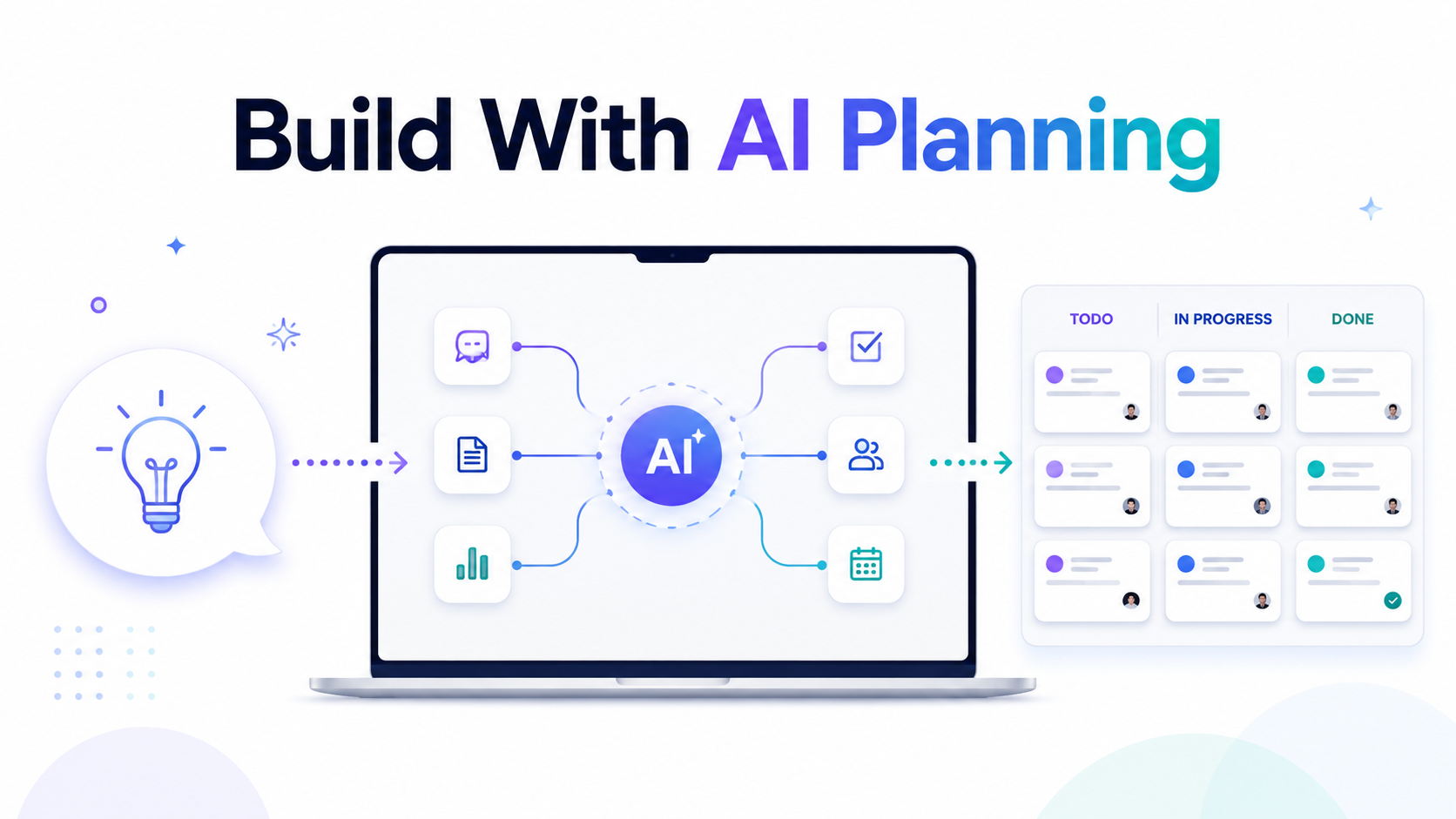
VibeCoderPlanner is built around a simple idea. You describe what you want to build in plain language, it turns that into a structured development plan, breaks the work into scoped tasks, generates context-aware prompts for each task, and supports execution through AI tools with GitHub-based review and merge workflows. Publicly, the product presents this flow as: describe the idea, generate the plan, execute with AI tools, then review and ship. It also highlights Kanban planning, task prompts, AI execution, GitHub PR automation, context memory, exportable project docs, and support for 50+ tech stacks. (Vibe Planner)
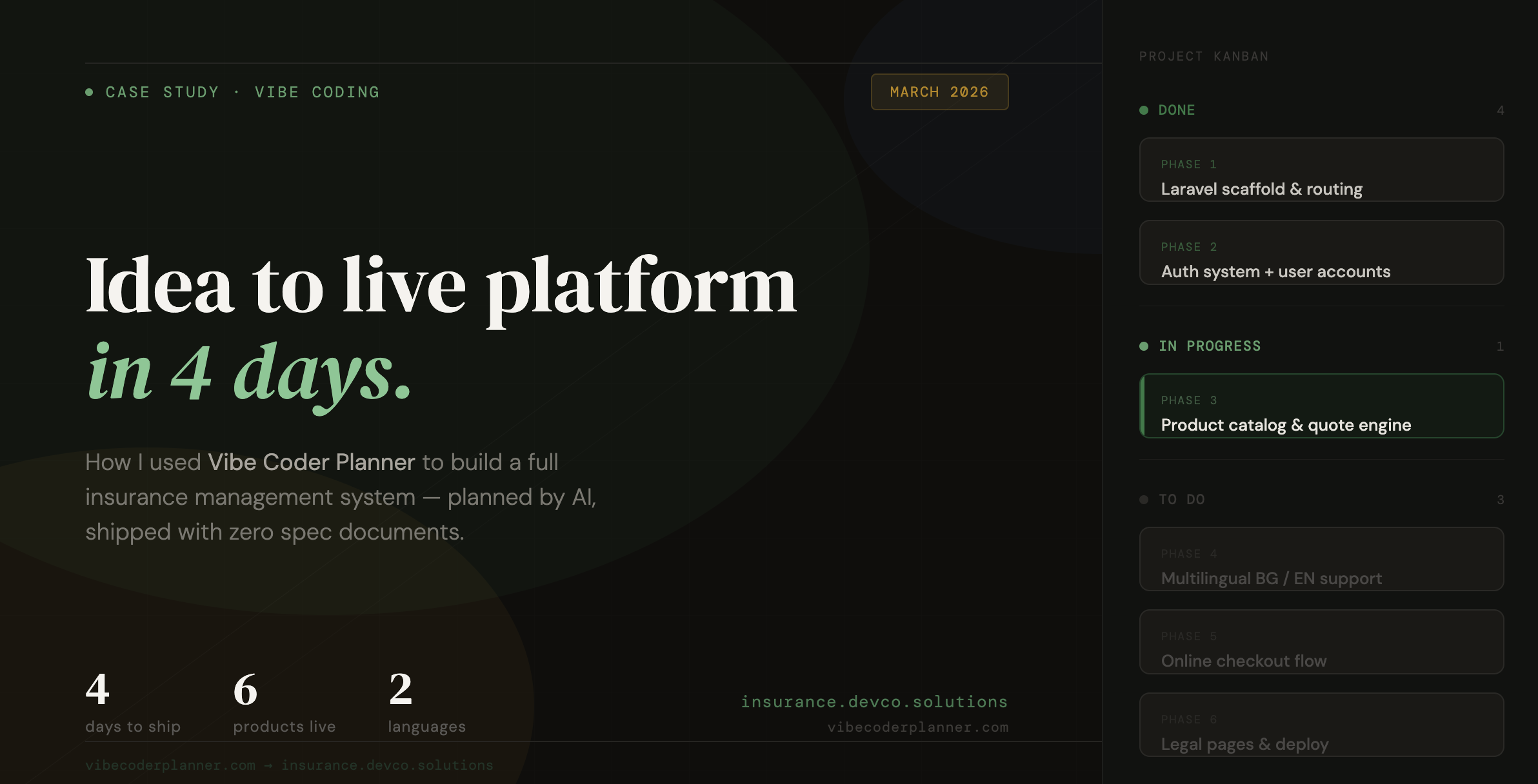
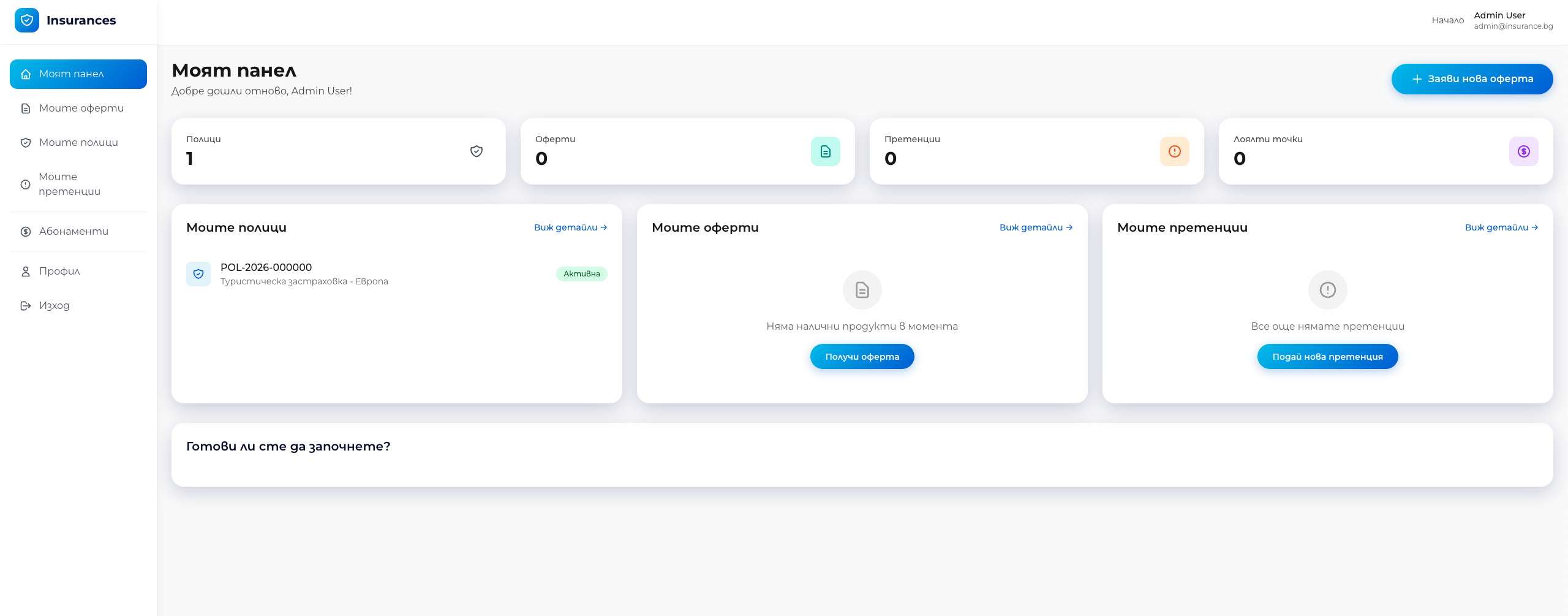
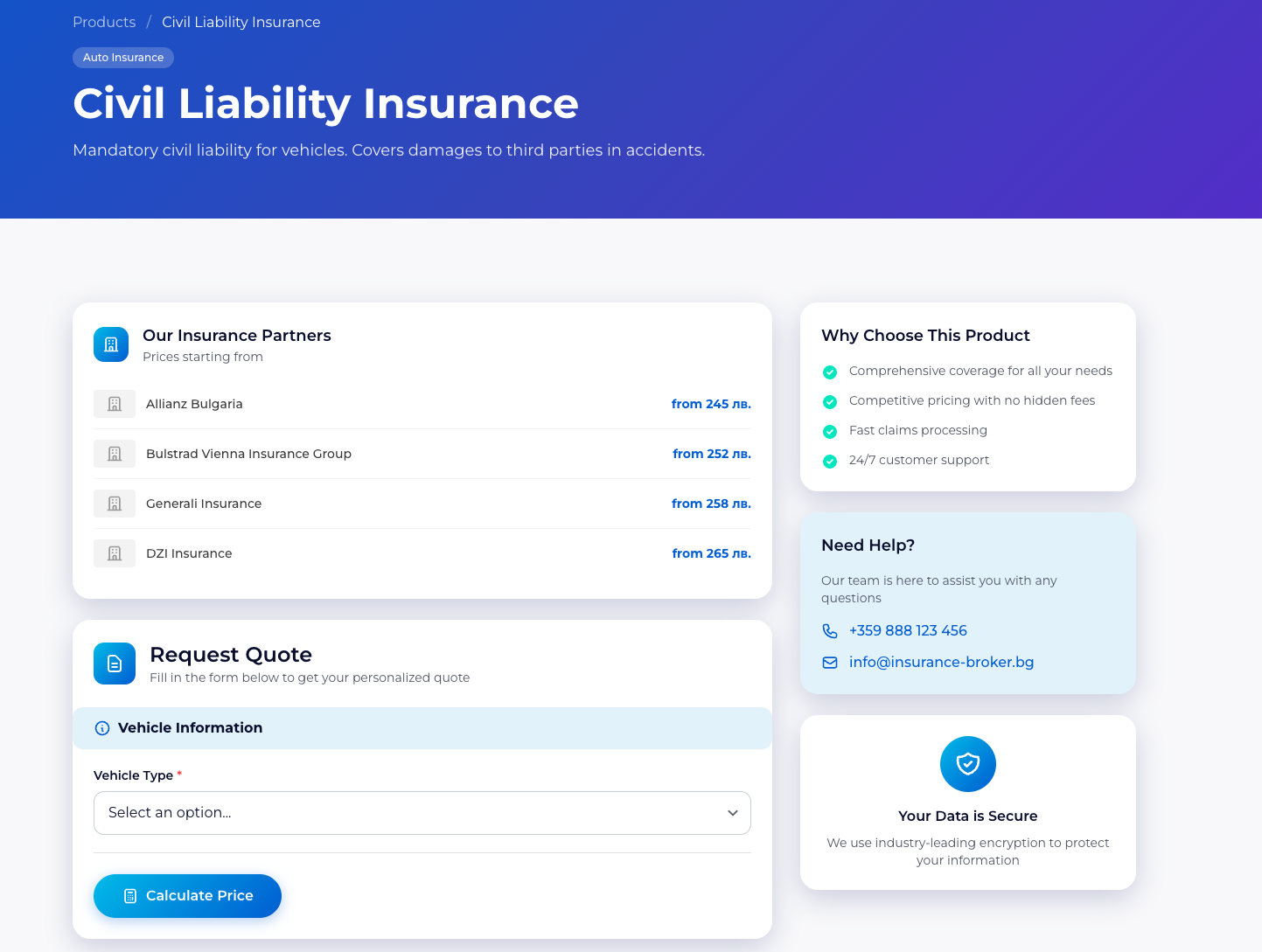
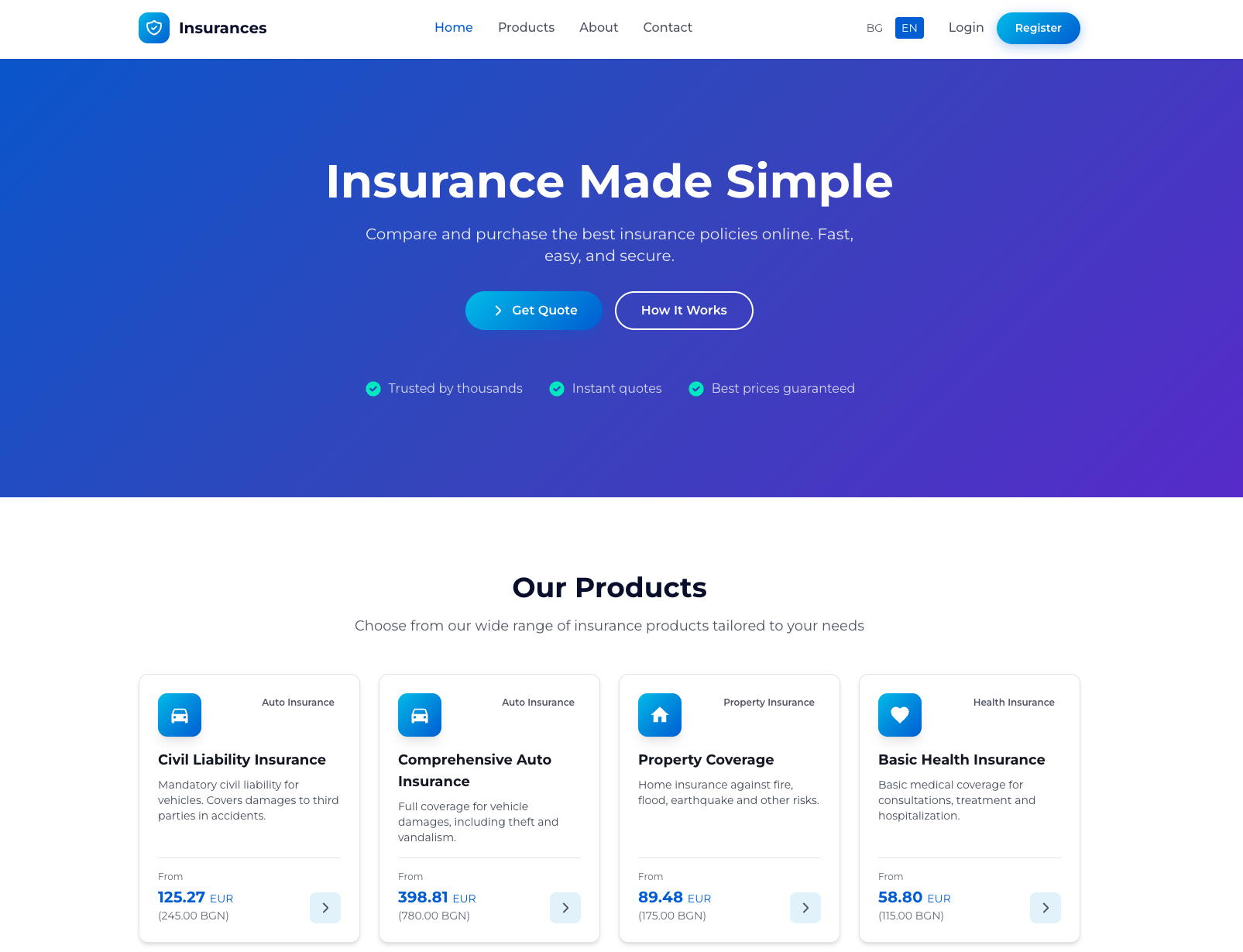
To show how this works in practice, I used it to build an Insurance Management Project, now available at insurance.devco.solutions. The live app already shows the core customer-facing flow clearly: visitors can browse insurance products, request a quote, and complete the purchase online. The homepage also exposes multilingual support, authentication, product categories, and a three-step user journey built around product selection, instant quote generation, and online purchase. (insurance.devco.solutions)
Why this project was a good test
Insurance software is not a toy project.
Even when you start from the public-facing side only, it already has enough complexity to expose whether your planning workflow is solid or not. You are not just building a marketing website. You are building a system that needs product structure, quote logic, pricing presentation, authentication, multilingual content, clean navigation, and a reliable user flow that feels trustworthy.
On the public insurance site, that complexity already shows up in practical ways. There are multiple insurance product types, including car insurance, casco, property insurance, health insurance, and travel insurance, each with its own pricing and positioning. The site also supports Bulgarian and English language switching, customer login and registration, and a homepage optimized around trust, speed, and simple conversion. (insurance.devco.solutions)
This is exactly the kind of project where random prompting starts to fail.
Without structure, an AI assistant can build isolated pages, but not a coherent system. One prompt gives you a landing page. Another gives you authentication. A third gives you quote forms. But none of that guarantees the project is moving in the right order or that the codebase stays consistent.
That is where VibeCoderPlanner changed the workflow.
Step 1: Turning the raw idea into a buildable plan
Instead of starting with ad hoc prompts inside a chat window, I started the way VibeCoderPlanner is designed to be used: by describing the project idea in plain language.
The value here is not just that it “understands” the request. The real value is that it transforms the request into a structured roadmap. VibeCoderPlanner publicly describes this as generating phases, tasks, milestones, tech stack recommendations, time estimates, and a context-aware prompt for every task. (Vibe Planner)
For the insurance project, that meant I could define the product at a system level first.
Not “build me a homepage”.
But something closer to:
Build an insurance management platform with multilingual support, customer authentication, insurance product listings, quote request flow, pricing display, secure online purchase flow, informational pages, and a scalable structure for adding more insurance products later.
That one shift matters a lot.
Because once the project is translated into phases and tasks, you are no longer asking AI to invent the roadmap while coding. The roadmap already exists. AI becomes an executor inside a system, not a substitute for system thinking.
Step 2: Breaking the project into execution-friendly phases
One of the biggest problems in AI-assisted development is context overload. VibeCoderPlanner explicitly addresses this problem by framing tasks so they fit cleanly into an AI context window and by giving each task its own scoped prompt and place in the workflow. (Vibe Planner)
For an insurance platform, that matters immediately.
A project like this should never be built as one giant “create the entire app” instruction. It needs separation of concerns.
Using VibeCoderPlanner, the project can be naturally broken into implementation phases such as:
- application scaffold and routing
- multilingual layout and public navigation
- insurance product catalog
- quote request flow
- authentication and customer dashboard
- purchase and policy delivery flow
- admin and product management
- refinement, testing, and deployment
That is the difference between chaotic AI coding and controlled AI-assisted shipping.
Instead of huge prompts with too many moving parts, each task becomes small enough to execute well and review properly.
Step 3: Generating prompts that are actually useful
Most AI development workflows fail at the prompt layer.
Either the prompts are too vague, or they are so large that the model loses focus. VibeCoderPlanner solves this by generating prompts task by task, based on the phase and the project context. It specifically positions itself as producing “smart AI prompts” and context-aware prompts for each development task. (Vibe Planner)
That was especially useful in the insurance project because every feature had product-specific constraints.
A quote form is not just a form.
A multilingual product page is not just a content page.
A login flow on an insurance platform is not just auth.
Each feature has domain expectations. The prompts needed to reflect that. For example, product listing tasks had to preserve trust and clarity. Pricing tasks had to present amounts cleanly. Quote tasks had to move the user forward without friction. Language switching had to feel native, not patched in later.
This is where VibeCoderPlanner gave me an advantage. It kept the prompts tied to the project structure rather than letting them drift into one-off experiments.
Step 4: Managing the work like a real project, not a chat session
Another important part of the process was the Kanban workflow.
VibeCoderPlanner publicly includes a Kanban task board that lets you organize work from backlog to completion. That matters more than people think. AI coding only becomes reliable when you can see what has been planned, what is in progress, what has been executed, and what still needs review. (Vibe Planner)
For the insurance project, that meant I was not relying on memory or old chat messages to know what came next.
The board becomes the source of truth.
That changes the psychology of the build. You stop feeling like you are improvising. You start moving through the project intentionally.
For a system with public product pages, quote interactions, authentication, and future back-office expansion, that kind of visibility is essential.
Step 5: Executing tasks with AI while keeping control
This is the part most people care about.
VibeCoderPlanner is not just positioned as a planning tool. It also supports AI task execution. Publicly, it states that a task can be executed so the AI agent writes code, creates files, shows terminal output, commits to the repository, and opens GitHub pull requests for review. It also names support for tools such as Claude Code, GitHub Copilot, DeepSeek, and Kimi AI, alongside GitHub integration and PR automation. (Vibe Planner)
That is the right model for serious AI-assisted development.
I do not want “magic full autonomy”.
I want a system where planning is structured, execution is fast, and review stays under my control.
That model fits an insurance project perfectly. In a domain where trust matters, you do not want blind code generation landing directly in production. You want the AI to move quickly, but you still want a review and merge layer before changes are accepted.
That is the workflow VibeCoderPlanner is built around: AI helps produce and execute work, but the final responsibility still belongs to the builder. (Vibe Planner)
Step 6: Keeping project memory across tasks
A hidden problem in AI coding is that every prompt can become a reset.
You solve one feature, move to the next, and suddenly the assistant forgets the architecture, the naming conventions, the business rules, or the UI direction.
VibeCoderPlanner publicly includes Context Memory as one of its product features. That is a big deal for a project like this, because consistency matters everywhere: product naming, language handling, page structure, route organization, form behavior, and user flow expectations. (Vibe Planner)
When building the insurance platform, this kind of memory is what helps preserve continuity between tasks.
It means the quote flow does not feel like it was built by a different “team” than the product catalog. It means the authentication flow can align better with the rest of the application. It means the prompts do not need to keep re-explaining the same project from scratch.
That reduces prompt bloat and improves output quality.
What the live insurance project proves
The public insurance app already demonstrates that this was not just a theoretical planning exercise.
The live site presents a clear conversion path. Users can review available insurance categories, see starting prices, switch languages, authenticate, request quotes, and move toward purchase. The homepage messaging emphasizes speed, ease, and security, while the product catalog is organized into practical categories such as auto, property, health, and travel insurance. (insurance.devco.solutions)
That matters because it shows the result of the process.
Not just “AI generated some tasks”.
Not just “I used prompts”.
But a real project with a visible structure and a real user journey.
What I learned from using VibeCoderPlanner on this build
The biggest lesson is simple.
AI development becomes dramatically more useful when planning is treated as a product layer, not an afterthought.
Most people try to use AI as a replacement for project thinking. That is why they end up with inconsistent code, duplicated effort, and features that technically work but do not belong to a coherent system.
VibeCoderPlanner approaches the problem differently. Its public product positioning is very clear: break the idea into tasks, generate prompts, execute with AI tools, and ship through a structured workflow with review and GitHub integration. (Vibe Planner)
That approach worked well for the insurance project because the project needed more than code generation. It needed ordering, context, controlled execution, and a way to move from concept to shipped product without losing the architecture halfway through.
Final thoughts
The promise of AI coding is not that you can skip thinking.
The real promise is that once the thinking is structured correctly, execution becomes much faster.
That is what I used VibeCoderPlanner for.
I did not use it as a toy prompt generator. I used it as the operating layer between idea and implementation. It helped turn the Insurance Management Project from a broad concept into a phased build, into scoped execution, and into a live product with a real customer-facing flow.
If you are building anything more serious than a landing page, that difference matters.
Because the hard part is rarely getting AI to write code.
The hard part is getting AI to build the right thing, in the right order, with enough continuity that the final product still feels like one system.
That is exactly where VibeCoderPlanner helped.