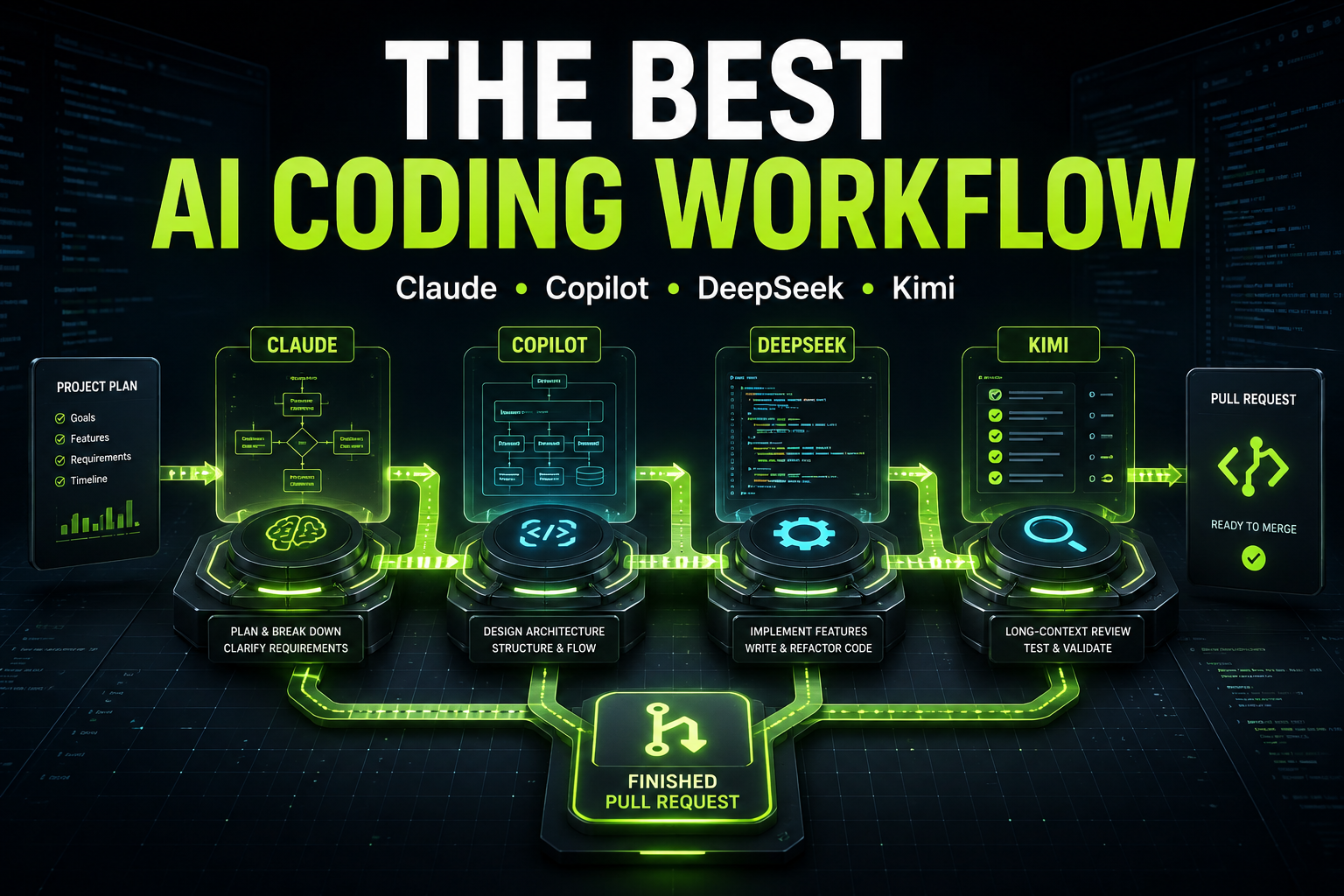
The best workflow is to use Claude for architecture and difficult reasoning, GitHub Copilot for interactive implementation inside the editor, DeepSeek for routine coding and repetitive tasks, and Kimi for work that requires a large amount of context. The four tools should not compete on the same task. They should operate as specialists inside one shared development plan.
Using more AI tools does not automatically make development faster. Without a clear workflow, developers repeat prompts, receive conflicting solutions and spend time explaining the same project to multiple assistants. The real advantage comes from routing each task to the tool that can complete it efficiently while keeping one source of truth for requirements, decisions and progress.
What role should each AI tool have?
Claude, Copilot, DeepSeek and Kimi overlap, but they are not identical products. Claude, DeepSeek and Kimi are model families that can be accessed through different coding tools and APIs. GitHub Copilot is a development assistant and agent platform that can use AI models within GitHub and supported editors.
For a practical software-development workflow, use them like this:
ToolBest role in the workflowExample tasks
Claude | Architecture and complex reasoning | System design, security decisions, debugging difficult failures, reviewing important changes
GitHub Copilot | Interactive implementation | Writing code in the editor, completing functions, making small changes, navigating an existing repository
DeepSeek | Routine and cost-sensitive execution | CRUD operations, tests, refactoring, validation, configuration and boilerplate
Kimi | Long-context analysis | Reviewing large specifications, tracing behavior across many files, comparing documentation and checking implementation consistency
This is a routing strategy, not a permanent ranking. Model capabilities and prices change frequently. The best choice should depend on the complexity, risk, context size and expected cost of the specific task.
Step 1: Create one project plan before generating code
Start with a short product requirements document or structured task plan. It should define the project goal, technology stack, important constraints, architecture decisions and acceptance criteria.
This plan becomes the shared source of truth for every AI assistant. Do not allow each tool to invent its own version of the product. If Claude recommends PostgreSQL, one task should not silently ask DeepSeek to implement the feature with MongoDB. Decisions must be recorded once and reused in every prompt.
A good plan divides the project into tasks that are small enough to complete and review independently. Instead of asking an AI to “build the application,” create separate tasks for database design, authentication, API endpoints, validation, user interface, tests and deployment.
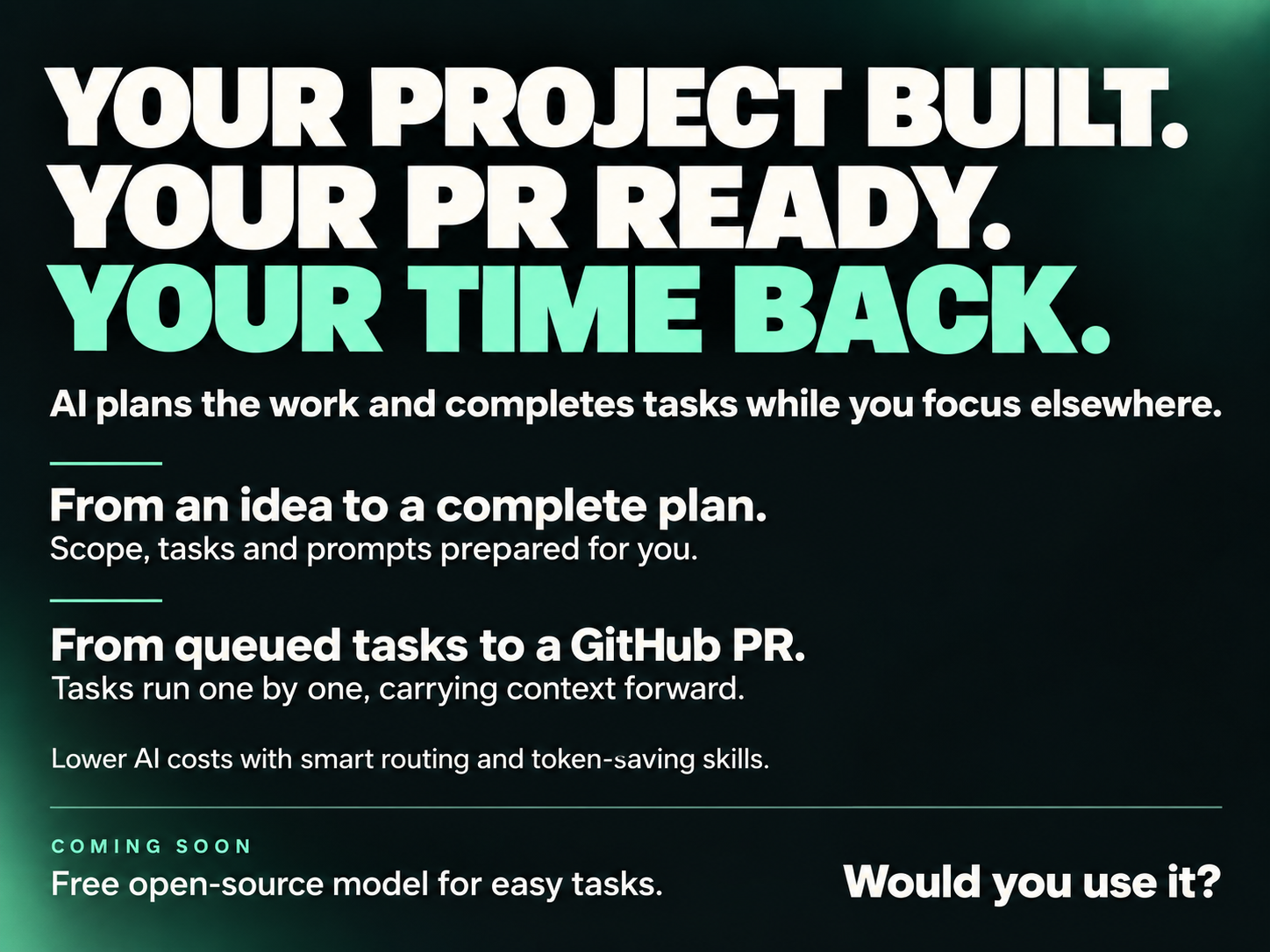
Vibe Coder Planner is designed for this stage. It converts a project idea into an ordered development plan, classifies task complexity and generates a focused prompt for each task.
Step 2: Classify every task before choosing a tool
Choose the AI after understanding the task, not before. A simple classification system is enough:
- High complexity: architecture, security, concurrency, payment logic and difficult debugging
- Medium complexity: integrations, feature implementation and changes involving several parts of the application
- Low complexity: CRUD endpoints, tests, migrations, configuration, documentation and predictable refactoring
- High-context work: tasks that require many files, long specifications or extensive project history
Complex and high-risk work usually deserves stronger reasoning and more careful review. Repetitive work should use a faster or less expensive model. High-context work should go to a model that can reliably process the required material, but the prompt should still include only relevant information.
Step 3: Use Claude for architecture and difficult decisions
Claude is most valuable near the beginning of a feature and at important decision points. Ask it to examine requirements, identify risks, propose the architecture and define the implementation boundaries.
For example, Claude can design an authentication flow, explain how tokens should be stored, identify possible attack paths and create acceptance criteria before another tool writes the controllers and tests. It is also useful when a bug crosses several layers and the cause is not obvious.
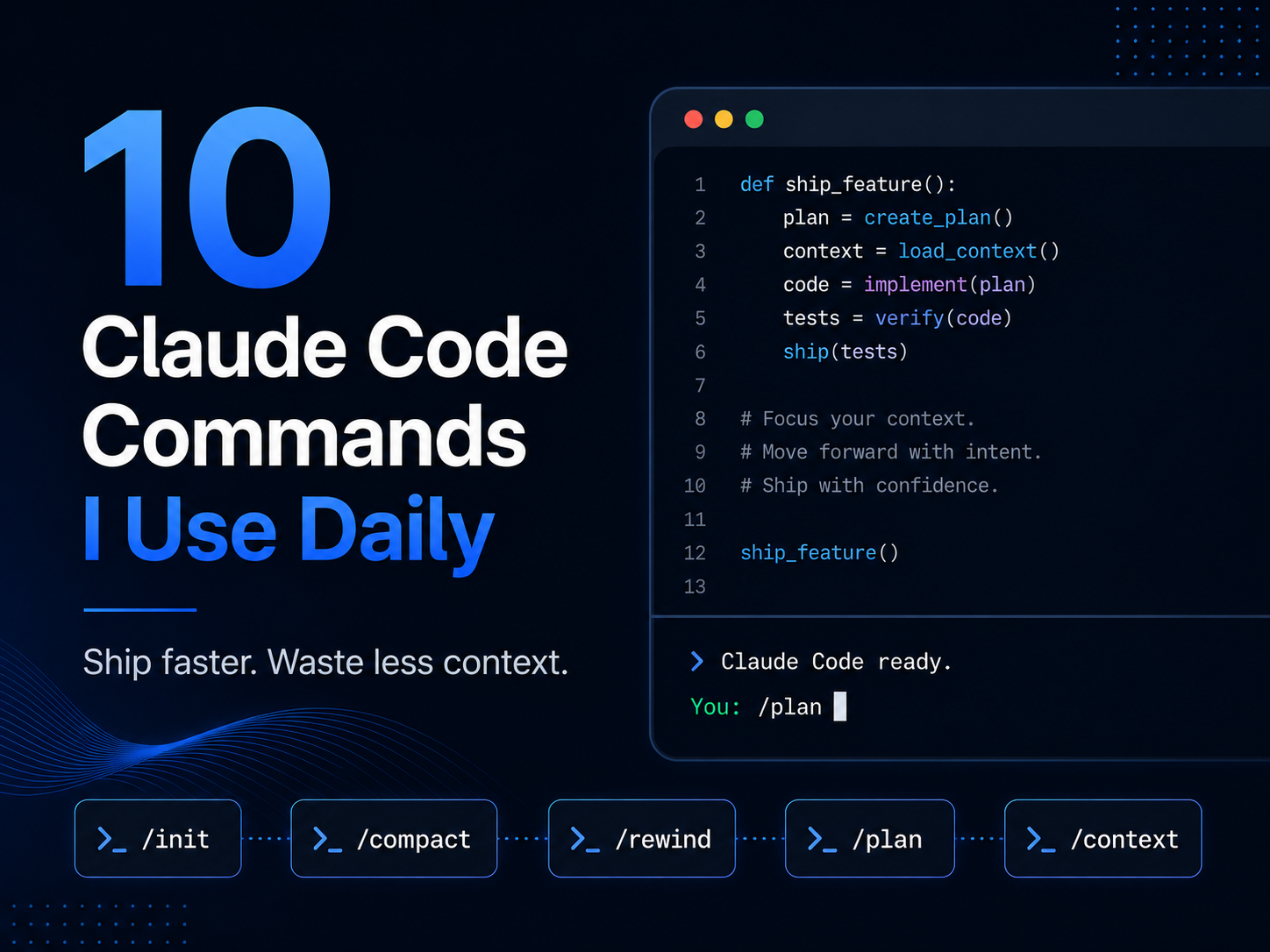
Anthropic describes Claude Code as an agentic coding tool that can read a codebase, edit files and run commands. This makes it capable of implementation too, but using the most capable option for every routine task may be unnecessary. Reserve expensive reasoning for work where a mistake would create significant rework or risk.
The output from this stage should be a decision, not a large block of speculative code. Record the selected approach, affected components, constraints and tests that must pass.
Step 4: Use GitHub Copilot for the active coding loop
Once the architecture and acceptance criteria are clear, move into the editor. GitHub Copilot is well suited to the active implementation loop because it works close to the developer, the current file and the repository.
Use Copilot to complete functions, apply small changes, explain unfamiliar code and implement well-scoped parts of the approved plan. Keep the developer in control of each change and review generated code as it appears.
For larger delegated tasks, GitHub’s Copilot cloud agent can research a repository, create an implementation plan, modify a branch and prepare a pull request. This works best when the issue already contains precise requirements and testable acceptance criteria.
Copilot should not be asked to redesign the feature during implementation unless new evidence makes the original plan invalid. If an architectural problem appears, return the decision to the planning stage instead of allowing the implementation to drift.
Step 5: Route predictable tasks to DeepSeek
DeepSeek is a practical choice for tasks where the expected output is clear and cost control matters. Examples include generating migrations, building standard CRUD endpoints, adding validation rules, writing unit tests, updating configuration and performing mechanical refactoring.
The official DeepSeek API documentation explains that its models can be used as backends for popular coding assistants and agent tools. This makes DeepSeek useful as an execution model inside a larger workflow rather than as a separate, disconnected chat.
Give DeepSeek a narrow prompt that includes the approved pattern and exact files it may change. A task such as “add tests” is too vague. A better request is: “Add feature tests for successful login, invalid credentials, account lockout and rate limiting. Do not change production code. Run the authentication test suite and report failures.”
This level of precision reduces retries and makes a lower-cost model more reliable.
Step 6: Use Kimi when the task requires extensive context
Some tasks cannot be understood from one file or a short prompt. A developer may need to compare a long requirements document with an existing implementation, trace a feature across many services or review a large codebase for inconsistencies.
Kimi is a strong candidate for this type of work. Moonshot’s current Kimi model documentation includes models designed for long-horizon coding and long-context software tasks.
Use Kimi as a context-heavy analyst or reviewer. Ask it to build a map of the relevant components, identify missing requirements, detect inconsistent behavior and produce a concise handoff for the next implementation task.
A large context window is not permission to send the entire repository automatically. Irrelevant code can distract any model. Start with the project plan, repository structure and likely files. Expand the context only when the task requires it.
Step 7: Use one handoff format between tools
Every task should carry the same compact handoff information:
- The exact goal
- Relevant architecture decisions
- Files or components that may change
- Constraints and forbidden changes
- Acceptance criteria
- Commands or tests that verify completion
- A short summary of what the previous tool changed
This prevents context loss when work moves from Claude to Copilot, DeepSeek or Kimi. It also makes outputs easier to compare and review.
The code repository, task board and project plan should remain authoritative. Chat histories are temporary working context, not project documentation.
Example: Building a subscription feature with all four tools
Imagine that you need to add paid subscriptions to a Laravel SaaS application.
First, Claude reviews the requirements and proposes the billing architecture. It defines subscription states, webhook handling, idempotency rules, authorization boundaries and failure scenarios.
Next, the approved design is divided into small tasks. DeepSeek generates predictable pieces such as database migrations, validation rules, test factories and routine feature tests.
Copilot helps the developer implement controllers, services and user-interface changes inside the editor. It uses the existing repository conventions and responds to immediate developer feedback.
Finally, Kimi compares the completed implementation with the full billing specification. It checks whether webhook events, cancellation behavior, grace periods and failed payments are covered consistently across the application.
The feature is complete only after automated tests, static analysis and human review pass. Agreement between several AI tools is not a substitute for verification.
How does this workflow reduce AI coding costs?
The largest saving comes from avoiding unnecessary premium-model usage and repeated context. Expensive reasoning is reserved for architecture, security and difficult debugging. Predictable implementation work is routed to more economical models with narrow prompts.
The workflow also reduces indirect costs. Better task boundaries produce fewer rewrites. Shared decisions prevent contradictory implementations. Clear acceptance criteria make it easier to detect incomplete work before it reaches production.
Vibe Coder Planner helps automate this routing process by classifying tasks, recommending an appropriate model, estimating task cost and maintaining the work in a structured Kanban flow. Instead of manually deciding which model should receive every prompt, developers can manage the complete process from one plan.
Common mistakes when combining multiple AI coding tools
The first mistake is sending the same broad task to all four tools and selecting the longest answer. This wastes tokens and does not guarantee a better technical decision.
The second mistake is allowing multiple agents to modify the same branch simultaneously. Their changes can conflict even when each solution works independently.
The third mistake is moving code between tools without carrying the original constraints and decisions. The next assistant then fills the missing context with assumptions.
The fourth mistake is treating generated code as verified code. Every change still needs tests, security checks, static analysis and human review appropriate to its risk.
What is the best final setup?
The best setup is a single planning and task-management layer connected to several specialized AI tools. Claude handles difficult reasoning. Copilot supports the developer during implementation. DeepSeek completes routine, well-defined work efficiently. Kimi analyzes large bodies of project context and performs broad consistency reviews.
You do not need to use every tool on every feature. Most tasks should go to one primary model and one verification process. Use additional tools only when they provide a clear benefit.
The goal is not to build a team of AI assistants that all write code at once. The goal is to create a controlled development pipeline in which each task reaches the right tool, with the right context, at the right cost.
Frequently Asked Questions
Can Claude, Copilot, DeepSeek and Kimi be used in the same project?
Yes. They can work in the same project when they share one plan and receive separate, well-defined tasks. Avoid allowing several tools to edit the same code simultaneously.
Which tool should design the software architecture?
Claude is a strong default for architecture, security analysis and complex technical decisions. The final design should still be reviewed by an experienced developer.
Which tool is best for writing routine code?
DeepSeek is useful for predictable, cost-sensitive work such as CRUD operations, tests, migrations and refactoring. GitHub Copilot is often more convenient when the developer is actively implementing code inside the editor.
Which tool is best for a large codebase?
Kimi is useful when a task requires long specifications or context from many files. Claude Code can also inspect a complete repository through its agentic tools. In both cases, focused context usually produces better results than uploading everything.
Do I need all four tools to use this workflow?
No. Start with the tools you already use. Add another model only when it solves a specific problem such as high cost, limited context, slow routine work or weak integration with your development environment.
How can I choose the right AI model automatically?
Vibe Coder Planner breaks a project into tasks, classifies their complexity and recommends a suitable AI model for each one. This creates a repeatable model-routing workflow instead of relying on manual guesses.