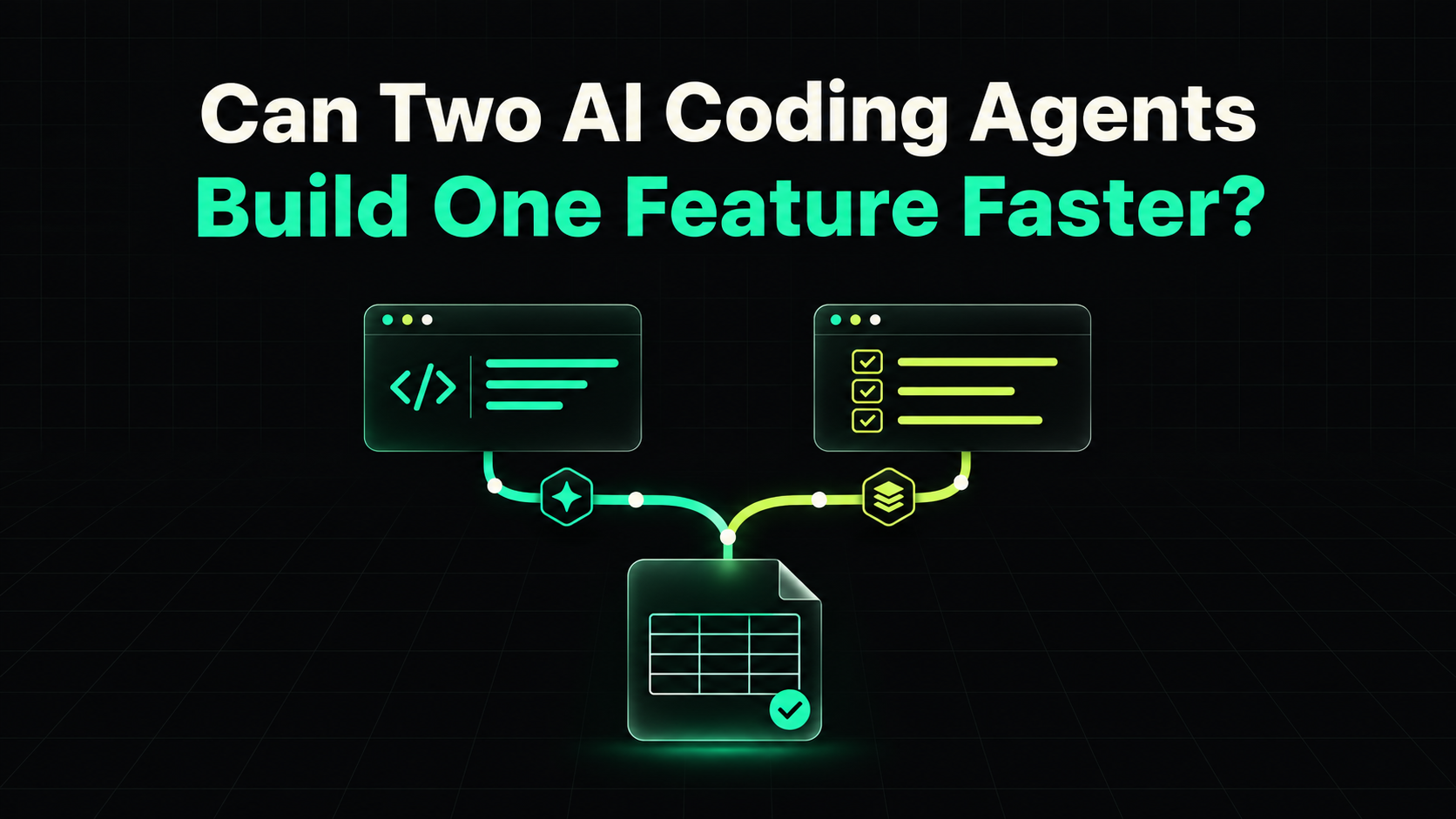
Two AI coding agents can build one feature faster when they have separate jobs and agree on what the feature should do. Give Claude Code the implementation and Codex the tests, and both can start from the same brief. Give both agents the same vague prompt, and you may spend the time you saved sorting out two different interpretations.
The question worth measuring is how long it takes to get to a reviewed pull request with passing tests. Here’s a feature you can use to try it in Vibe Coder Planner or directly in Git.
Split the feature at a boundary both agents understand
Say you’re adding a CSV export to a Laravel SaaS. A workspace admin needs to export invoices for a selected date range. That sounds like one task, but you can split it into two jobs once you agree on how the export behaves.
- Endpoint · GET /workspaces/{workspace}/invoices/export?from=2026-10-01&to=2026-10-31
- Access · Only admins of the selected workspace can export. Signed-in users without access get a 403.
- Date range · Filter by invoice issue date, with both dates included. Missing dates, invalid dates, or a reversed range return 422.
- CSV format · Return a downloadable UTF-8 CSV with columns invoice_number,issued_on,total_cents,currency. Sort by issue date, then invoice ID.
- Empty result · Return a CSV with the header row and no data rows.
Agree on the repository’s existing conventions before either agent starts. For instance, if your app intentionally returns 404 for inaccessible workspaces, change the brief and the expected test result together.
Give each AI coding agent its own job
Agent A implements the export. Give this prompt to Claude Code or your preferred implementation agent.
Implement the invoice CSV export in the shared feature brief. Use the repository’s existing workspace authorization, invoice query conventions, and response patterns. Keep production changes scoped to the export. Leave the feature test file to the other agent. In your handoff, list changed files, checks you ran, and any unresolved issues.
Agent B writes the acceptance tests. Give this prompt to Codex or another coding agent.
Write Laravel feature tests for the invoice CSV export using the shared brief. Only edit tests/Feature/InvoiceExportTest.php. Use existing factories and test helpers. Cover both date boundaries, cross-workspace isolation, forbidden users, invalid input, CSV column order, and an empty result. Build expectations from the brief. The endpoint may be absent on your branch, so record failures caused by the missing implementation and rerun the suite after integration.
The test agent can write fixtures and assertions while the implementation agent works on the route, query, and CSV response. The tasks can start together. They still need to come together before you can say the feature works. In particular, seed an invoice from another workspace that falls inside the date range and check that it stays out of the file.
Run the workflow in Vibe Coder Planner
Create an Invoice CSV export feature in your project. Put the shared brief in the project plan and include it in both task prompts. Then create these three tasks.
- Implement invoice export · Give the implementation agent the first prompt and ownership of production files. Start after approving the brief.
- Write invoice export tests · Give the test agent the second prompt and ownership of the test file. Start after approving the same brief.
- Integrate and verify export · Combine the changes, run the export tests and relevant existing tests, and review workspace access. Start after both tasks are ready.
Use Vibe Coder Planner to generate and refine the per-task prompts. For this parallel example, open the first two prompts in separate coding sessions on separate Git branches or worktrees. Keep the integration task waiting until both are ready. Record the branch names, any decisions that changed the brief, and the final test result in the project.
If you’re using the built-in execution flow, run the tasks in order and review the resulting GitHub pull request. That gives you a sequential baseline to compare against the two-session workflow. Vibe Coder Planner task execution · From idea to pull request
Run two AI coding agents in parallel with Git worktrees
From the repository root, fetch the base branch and create two worktrees from the same commit. This example assumes the remote is origin and the base branch is main.
git fetch origin main
git worktree add -b invoice-export/implementation ../invoice-export-impl origin/main
git worktree add -b invoice-export/tests ../invoice-export-tests origin/main
Open Claude Code in ../invoice-export-impl and Codex in ../invoice-export-tests. Give both sessions the shared brief and paste the prompt for each role. If both agents run Laravel tests, configure separate test databases or isolated in-memory databases so one run can’t reset the other’s data.
Once both agents have committed their work, combine the changes on an integration branch from the implementation worktree. With that worktree’s test environment configured, run the tests against the combined code.
cd ../invoice-export-impl
git switch -c invoice-export/integration
git merge --no-edit invoice-export/tests
php artisan test tests/Feature/InvoiceExportTest.php
Review the combined diff and run the project’s required CI checks before merging the pull request. If the tests and implementation disagree, settle the question against the shared brief. Git worktree documentation
Measure time to a reviewed pull request
A fair comparison starts both runs from the same commit and uses the same brief and acceptance criteria. For the sequential run, have one agent implement the feature and write the tests. For the parallel run, split those jobs across two agents. Use the same model in both runs if your goal is to isolate the effect of parallel execution. If you use Claude Code and Codex together, you’re comparing two complete workflows, including the choice of tools.
Here’s illustrative timing for the invoice export. These numbers are hypothetical.
- Write the shared brief and set up · 8 min with one agent, 11 min with two agents.
- Implement the feature · 24 min with one agent, 24 min with two agents.
- Write the tests · 16 min with one agent, 16 min with two agents while implementation is in progress.
- Integrate, review, and run checks · 12 min with one agent, 16 min with two agents.
- Elapsed time · 60 min with one agent, 51 min with two agents.
In this example, parallel execution saves nine minutes. If a disagreement about workspace permissions adds ten minutes of fixes, the two-agent run takes longer. Track your own active review time and model spend alongside elapsed time. Finishing sooner can still mean more work for you.
Use two AI coding agents when both can start from a brief you can review and each owns a distinct part of the work. If the feature is still being designed or the second task depends on decisions the first agent has yet to make, run them in sequence. The invoice export is a good first experiment because you can judge both workflows against the same outcome. The right invoices show up in the CSV, and nobody gets to export someone else’s data.