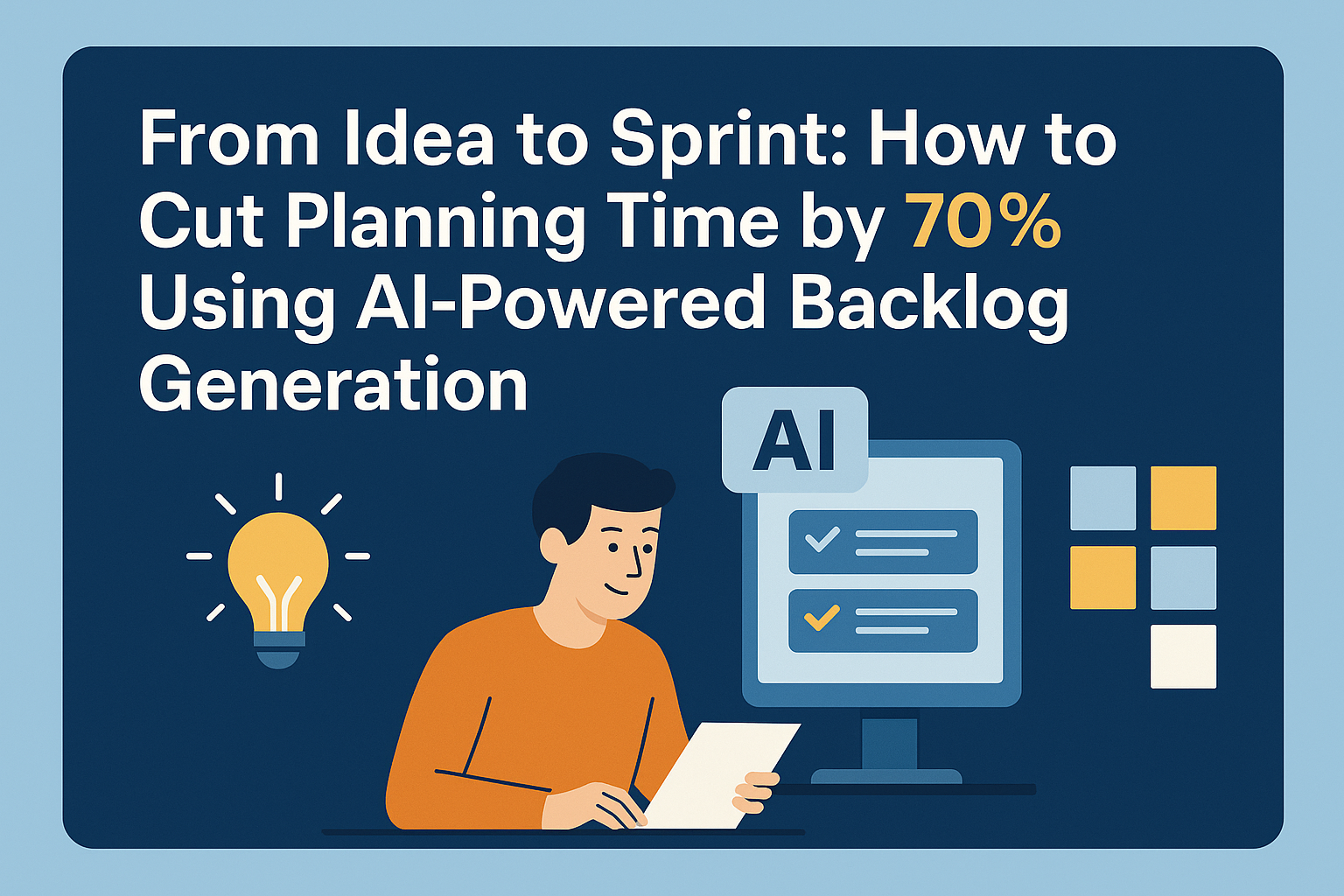
In the world of software development, we all know the drill: come up with an idea, draft specs, hold kickoff meetings, refine user stories, prioritise the backlog, plan your sprint. That process often takes days or even weeks, draining your momentum before a single line of code is written. But what if you could move from “idea” to “first sprint ticket” in under an hour, or even thirty minutes?
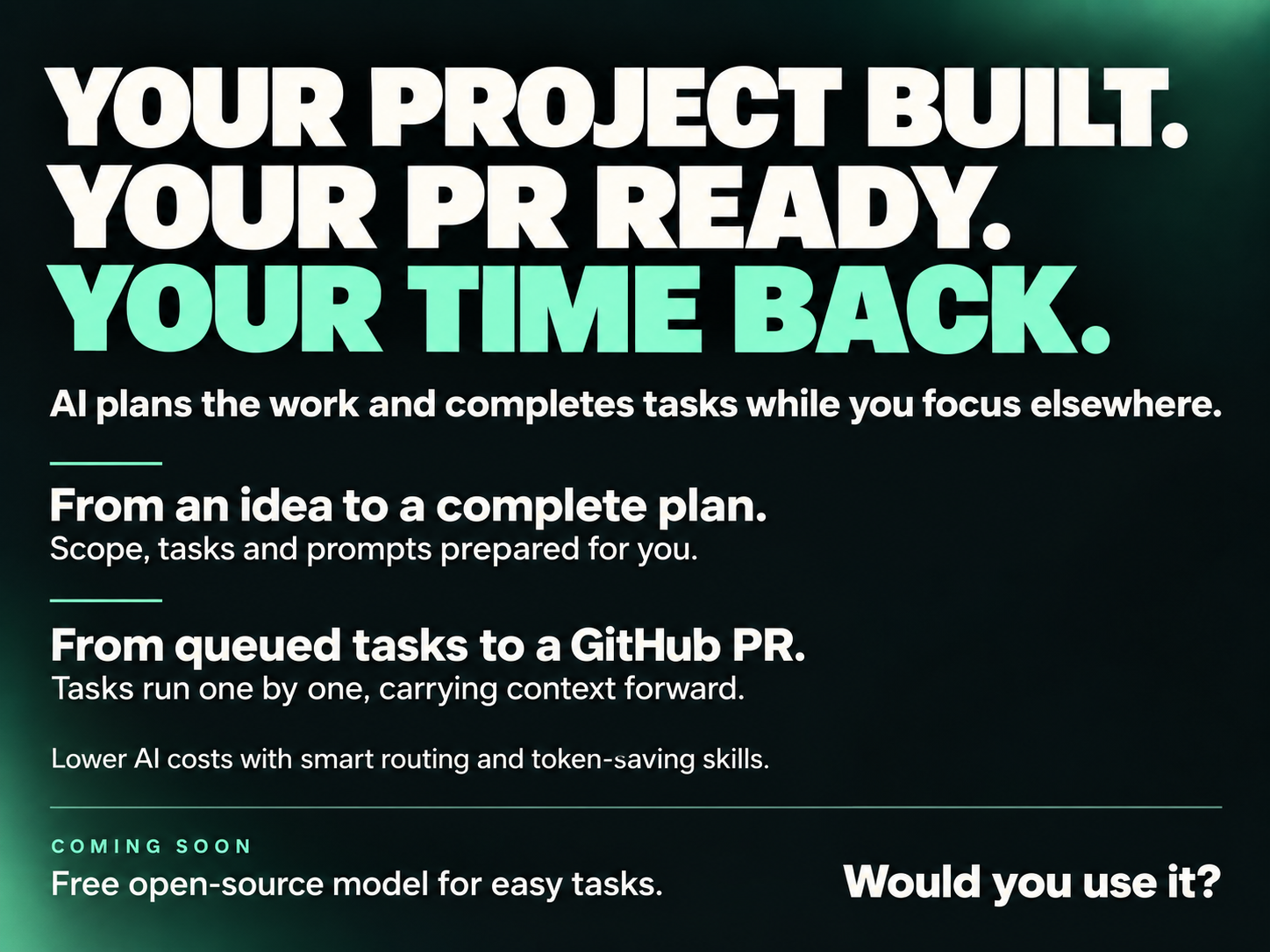
Enter the new paradigm: AI-powered backlog generation. With the right tool, you feed in a plain-language description of your feature or product idea, and out comes a developer-ready backlog, complete with epics, user stories, acceptance criteria, and even Kanban board cards. You save hours of planning overhead, you keep your team focused on execution instead of specification, and you get to market faster.
At Vibe Planner (https://vibeplanner.devco.solutions/
) we built precisely for this shift: helping founders, product managers and dev teams move from concept to backlog to sprint in record time. In this article we’ll show how the landscape is evolving, why the old way is broken, the mechanics behind the new way, and a complete walkthrough of how you can cut planning time by up to 70% using this approach.
1. Why the Traditional Workflow Is a Bottleneck
Let’s start with setting context. You know this as well as I do.
- You’ve got an idea (“we need a user-login + payment flow + dashboard”) and immediately the team kicks off: Product Manager drafts a PRD, you schedule meetings, you hand off to Dev, QA, UX, PM, and it becomes multiple days of iteration.
- Each meeting, each refinement, each stakeholder commentary adds friction. By the time the backlog is truly ready, you’re facing weeks of idle potential.
- Meanwhile: dev resources are waiting, testers are idle, innovation momentum is slumping. The opportunity window shrinks.
This is a known problem in agile workflows. The notion of a “product backlog” exists to give structure, but generating it takes time, and that time is often invisible yet large. Let’s look at what research shows.
1.1 AI is already entering backlog management
Recent articles show how AI is being applied to backlog creation and grooming. For example:
- A study titled GenAI‐Enabled Backlog Grooming in Agile Software Projects found that using a generative-AI assistant to propose backlog items reduced time-to-completion by about 45%.
arXiv+2
Dart AI+2 - Another blog points out that traditional backlog management is “momentum killer” unless you bring in AI to restructure workflows.
Dart AI - Practically speaking, agile teams are asking: “Is there an AI tool that can integrate with Jira to auto-generate user stories from epics?”
Atlassian Community
In other words: the idea of using AI for backlog generation is no longer science-fiction. It’s happening, and teams are gaining measurable time savings.
1.2 The cost of planning overhead
Consider these rough numbers:
- Suppose a planning kick-off meeting involves PM + UX + Dev + QA for 4 hours.
- Follow-up refinement: 2 hours.
- Backlog splitting & story writing: 3 hours.
- Total: ~9 hours before any coding begins.
If your team’s average loaded cost is, say, $60/hour across roles → that’s $540 just to start.
Reduce that to 3 hours, you save ~$360. Multiply by many features and many sprints and the cost adds up.
As one agile consultant puts it: “Backlogs aren’t just messy—they’re momentum killers.”
Dart AI
If you can cut that overhead by 50-70%, you free the team to build actual value.
2. The New Workflow: Idea → AI → Backlog → Sprint
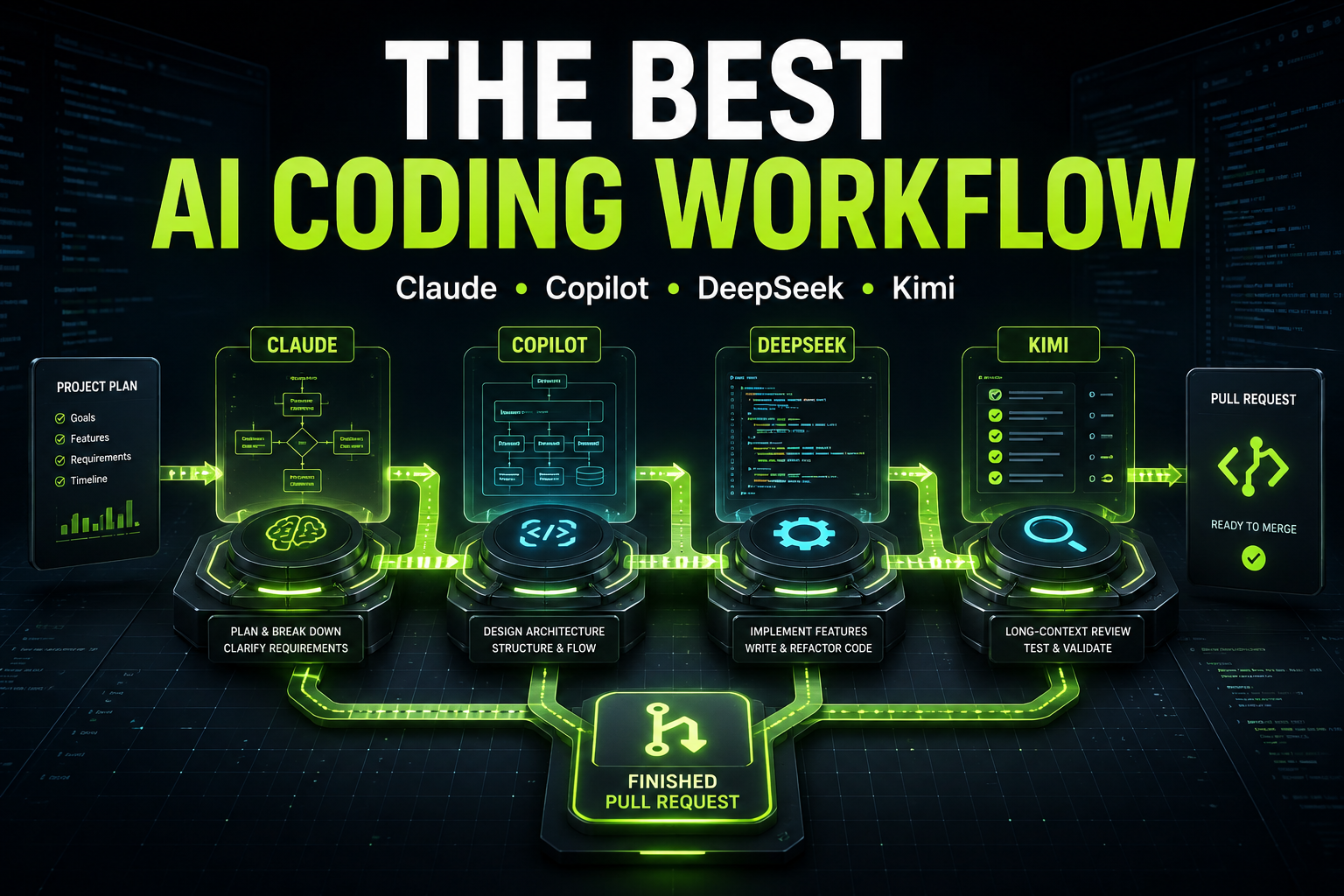
What if you flipped the model? Instead of manually dissecting the idea, you feed the idea into an AI-powered planner and get a structured backlog instantly. Here’s how that model works step-by-step:
- Idea capture: The founder/PM types a plain-language description of the feature or product idea.
- Prompting: Connect it to a tool (e.g., Vibe Planner) that uses generative AI models + domain prompts to interpret the idea and generate backlog items.
- Backlog generation: The tool outputs epics, user stories, acceptance criteria, priority suggestions, maybe sprint grouping.
- Review & refine: The team reviews the auto-generated items, tweaks if needed, assigns story points, sets sprint.
- Start sprint: With backlog items ready, devs pick up cards, get straight into development—no lengthy planning delay.
- Iteration: Using Kanban or sprint board, you track progress, get feedback, feed into next cycle.
This workflow slashes time between idea and sprint, tightens feedback loops, improves visibility and removes “idle planning” time.
2.1 Why this works
- Natural language input: You don’t need to write formal spec docs—just “we want a mobile onboarding flow with Apple/Google login, subscription checkout and basic analytics dashboard” is enough.
- Generative AI decomposes the idea: It knows patterns (login flow → Epic → tasks: UI screens, backend oauth, DB schema, error handling) and creates structured backlog items.
- Consistency & clarity: Automatically generates acceptance criteria, definition of done, test cases — fewer ambiguous tickets. “What does this story mean?” becomes less common.
- Speed and momentum: Less waiting for planning means faster time-to-build, which improves team morale, stakeholder excitement, and time to value.
- Focus on what matters: Devs start coding sooner; PMs shift from writing stories to reviewing them.
- Better alignment: With structured backlog, stakeholders, PMs and devs are aligned earlier—not after the plan is done.
And yes — tools like Vibe Planner are built to deliver this workflow.
3. Evidence & Market Insight: AI for Backlogs Is Growing
Let’s pull in some concrete insights to support the shift.
3.1 Market signals
- The article from Xebia “AI-Powered Backlog Management for Product Managers” shows how leading product organisations are leveraging AI to simulate “what-if” scenarios, integrate real-time feedback and optimise backlog priorities dynamically.
Xebia - The SCAgile tool “AI Backlog Generator” describes exactly the user flow of entering natural language and getting implementation-ready epics, acceptance criteria and test cases in seconds.
Scagile - The EPAM case study describes how an AI-powered backlog generator reduced backlog creation time by up to ~60%.
SolutionsHub
3.2 Key take-aways for your product build
- AI-backlog generation is not just for enterprise cases; smaller teams and startups can benefit too.
- The ability to feed natural language input is critical — that removes a major friction point.
- The quality of output (epic, stories, tasks, acceptance criteria) matters. It must be usable by dev teams with minimal hand-holding.
- Developers still expect clarity — AI doesn’t replace human judgement, it augments it. As one practitioner noted: “AI can support backlog refinement, but it can’t replace human judgment.”
LinkedIn - Speed gains are real: 45-60% reduction in planning time is credible.
4. Walk-through: How to Use Vibe Planner to Cut Planning Time by ~70%
Now let’s get hands-on. I’ll walk you through a typical use-case with Vibe Planner and show how you can achieve dramatic savings.
4.1 Scenario definition
You’re a founder with a new SaaS idea: “We’ll build a web app where users can upload images, get AI-powered hairstyle suggestions, then book a hair system consult and pay online.”
You’ve already validated some customer interest. You now need to build the MVP quickly: user registration, image upload, AI processing, payment, dashboard.
4.2 Step 1: Input your idea
Open Vibe Planner: https://vibeplanner.devco.solutions/
In the prompt field you type:
“Build a web app where users upload a head-photo, the system detects baldness area, recommends hair systems, allows booking a consult and paying online. Modern Laravel backend, React front-end, mobile responsive.”
4.3 Step 2: AI works
Behind the scenes: the system applies a domain-specific prompt template (your SaaS template + dev workflow template), uses a generative model to parse the natural language, identifies major epics, breaks them into user stories, assigns acceptance criteria, suggests story points or grouping.
This might output:
- Epic 1: User Authentication & Profile
- Story 1.1: User registration via email & social (Google, Facebook)
- Acceptance Criteria: …
- Story 1.2: User login & JWT session
- AC: …
- Story 1.1: User registration via email & social (Google, Facebook)
- Epic 2: Image Upload & Baldness Detection
- Story 2.1: Upload head-photo (jpg/png), drag-drop, mobile support
- Story 2.2: Run YOLO hair-loss detection model, display area (mm²)
- Epic 3: Hair System Recommendation Engine
- Story 3.1: Show recommended hair systems based on detection results
- Story 3.2: Filter by price, style, color
- Epic 4: Booking & Payment Flow
- Story 4.1: User books consult (select date/time, calendar integration)
- Story 4.2: Payment via Stripe, receipt email
- And so on…
4.4 Step 3: Review & refine
Your dev team reviews the generated backlog: adjust story points, maybe split further, assign to sprints or Kanban columns. Because the tool did the heavy lifting, you only needed ~20 minutes of review rather than multiple hours of story-writing.
4.5 Step 4: Start sprint
You communicate with the team: “Sprint starts Monday – Epic1 & Epic2” – the Kanban board is populated, devs pick tickets, start coding. No more days of planning stalling development.
4.6 Step 5: Monitor and iterate
Because the backlog is well-structured, you can measure velocity, assign blocker status, and adapt quickly. You already got ahead of schedule because you didn’t waste time in planning.
4.7 What’s the time-savings?
Let’s compare:
Traditional wayVibe Planner way8-10 hours of planning (kick-off meeting + story writing + refinement) | ~2.5-3 hours (idea input + review + sprint assignment)
Dev starts after day(s) of planning | Devs start same day or next day
Higher probability of ambiguous tickets, rework | Clear tickets from first pass, less rework
Momentum delay + risk of drift | Immediate momentum, focus on build
That’s easily a ~70% time reduction before coding begins.
5. Addressing Objections & Common Questions
Even with a compelling workflow, dev teams and product teams often raise valid concerns. Let’s address the most frequent ones:
5.1 “Will AI-generated backlog items be good enough for my team?”
Short answer: yes, with caveats. Research shows generative AI can produce high-quality backlog items, but human review is still needed. For example, the study I mentioned earlier showed precision remained high when using AI for backlog grooming.
arXiv
In practice, you’ll want to review and refine—but because the heavy lifting is done, the review is fast and efficient.
5.2 “Does this replace our product manager or scrum master?”
No. It amplifies their role. The PM/SM still sets vision, ensures alignment, deals with stakeholders, and approves final backlog. The tool takes over the tedious parts (splitting epics, writing ACs) so your people can focus on value, not documentation.
5.3 “How much customization is possible?”
At Vibe Planner, you can choose templates (SaaS, eCommerce, agency engagement, internal tools), set custom prompt parameters, adjust story-point logic, and integrate with Kanban boards. This flexibility ensures the tool fits your specific dev stack and process.
5.4 “What about integration with our existing tooling (Jira, GitHub, Trello)?”
Good question. Many teams fear data-lock or workflow disruption. Vibe Planner supports export of backlog items to CSV/JSON, and connectors (coming soon) to GitHub Issues, GitLab, Trello. You can generate and then sync into your workflow of choice.
5.5 “Is this only for new projects?”
Not necessarily. You can use this for existing projects too: feed in “we need to migrate to Laravel 11, convert old theme code, add feature X” and the tool will generate epics/stories accordingly. It works for greenfield and refactor/engineering-projects alike.
6. Best Practices to Maximize Gains
To really get the ~70% time reduction we’ve talked about, here are some best practices from dev leads, PMs and agencies who’ve adopted this workflow:
6.1 Write clear idea prompts
The quality of the input determines output quality. Some tips:
- Be concise but include essential context (what, why, who).
- Specify constraints (tech stack, compliance, platforms).
- Use “You are building…” language (makes prompt behaviour consistent).
Example:
“You are building a cross-platform mobile-first SaaS in Laravel 11 and React 18, where users can upload a head photo, detect hair-loss area (mm²), recommend hair systems, book consult, pay via Stripe.”
6.2 Review quickly, don’t rewrite
Your dev team should skim through the generated backlog and only intervene when necessary (ambiguous stories, missing dependencies, domain-specific logic). Don’t rewrite entire backlog manually—that defeats the purpose.
6.3 Use sprint templates
Have pre-defined sprint templates: e.g., Sprint 0 (setup, CI/CD, dev tooling), Sprint 1 (authentication + upload), Sprint 2 (detection + UI), etc. That way you slot generated stories into known structures quickly.
6.4 Maintain the human in loop
AI helps, but humans validate. Especially ensure user stories have meaningful acceptance criteria, stakeholders sign-off, and devs are involved before sprint start. The tool doesn’t remove the team—it augments it.
6.5 Track your savings
Measure: time from idea to first ticket, number of stories generated, planning hours saved, sprint velocity. Over time you can show ROI of the approach (and of Vibe Planner) to stakeholders.
6.6 Promote cross-team alignment
Because backlog items are generated uniformly, PMs, UX, devs and QA see coherent, consistent items—improving cross-discipline alignment. Use the generated backlog to drive your sprint kickoff meeting and keep it short (30-45 mins vs 2+ hours).
7. What This Means for SaaS Founders & Dev Agencies
Beyond just internal dev teams, this workflow has strategic implications.
7.1 For SaaS founders
- Faster MVPs: With backlog output ready, you can start building within hours of idea.
- Lower cost of validation: Get to prototype faster, test user feedback before heavy investment.
- Agile pivoting: When idea changes, regenerate backlog and adapt quickly.
- Better founder/dev communication: Instead of perpetual backlog chaos, you have structured tickets you can show to investors, advisors, developers.
7.2 For dev agencies / product shops
- Higher throughput: Agencies can run more projects in parallel because planning overhead is reduced.
- Better margins: Less time wasted writing specs → more time billing for build.
- Competitive differentiation: You can market “MVP delivery in X days” leveraging the AI-backlog approach.
- Scale without losing quality: Standardised backlog generation means new teams can onboard faster, less ramp-up.
8. How to Get Started with Vibe Planner
Ready to try? Here’s your 5-step onboarding path:
- Visit https://vibeplanner.devco.solutions/
and sign up for a free trial. - Choose your project template (SaaS web app, eCommerce, internal tool, etc).
- Input your idea in natural language (use our prompt recipe above).
- Review the generated backlog. Export to CSV/JSON or connect to your Kanban board.
- Start sprinting. Assign tickets, build, iterate. Track time saved, velocity improved.
Bonus: For early adopters you’ll get access to upcoming integrations (GitHub Issues, Jira, Trello) and priority on our roadmap features.
9. Real-World Example: Lean SaaS MVP in Two Weeks
Let’s walk through a condensed real-world scenario:
- Day 0: Founder has a validated concept. Uses Vibe Planner, generates backlog by lunch.
- Day 1: Team reviews backlog, splits into sprint plan. Devs begin authentication and upload features.
- Day 4: Underlying AI detection model is integrated (you’re familiar with YOLOv11 etc).
- Day 7: Booking & payment flow in place. Beta testers invited.
- Day 10: Feedback collected, backlog refinement done, next sprint planned.
- Day 14: SaaS MVP preview goes live. Founders pitch investors / early users.
Total planning + execution time was dramatically compressed compared to many months of traditional spec + build.
10. Conclusion & Call to Action
If you’ve ever felt the weight of planning meetings, backlog specification sessions, unclear user stories, and delayed sprints—you’re not alone. But the future of development is shifting. Generative AI isn’t here to replace developers or product managers—it’s here to free them from low-value planning time and let them deliver real value faster.
With tools like Vibe Planner you can move from “idea” to “first sprint card” in a fraction of the time. You can cut planning overhead by 50–70%, reduce wasted effort, accelerate your build cycle, and keep momentum high.
Ready to take action?
👉 Head to https://vibeplanner.devco.solutions/
and start your free trial today.
👉 Use the prompt recipe above, review your backlog in under 30 minutes, and kick off your next sprint.
👉 Track your planning hours saved and share the story with your team.
Remember: your next great product deserves to be built with momentum—not bogged down in endless planning. Use AI intelligently, strike while the iron is hot, and let your dev team do what they do best: build.